

 Design
Editorial web layout: 5 magazine devices that work on screen
Five print devices that survive on screen: a real grid, scale contrast, captions, margins and pull quotes. Plus the CSS that carries them in 2026.
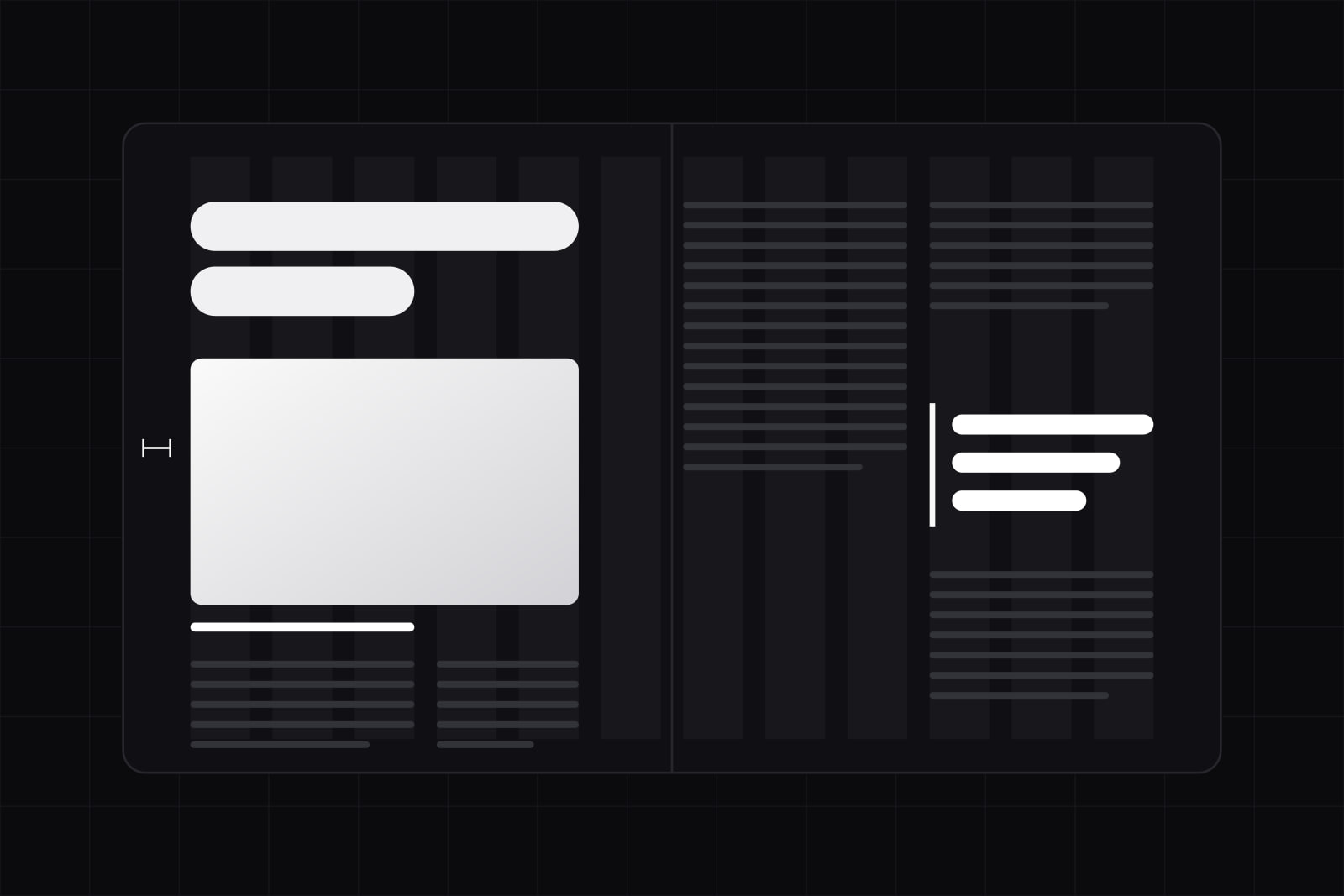
Editorial layout is a way of organizing a page around a reading order borrowed from magazines and newspapers: a column grid sets the alignment, a typographic hierarchy decides what gets read first, and image scale carries the tone. On a product site it is the alternative to stacking full-width sections until the page ends.
It matters most for teams whose site has to carry long-form content next to marketing pages: documentation, changelogs, customer stories, a blog. The symptom that sends people looking for it is a page where every section looks equally important, so none of them reads as the point. A working editorial layout gives a reader three or four places to enter the page and still follow the argument.
Why the magazine page still beats the stacked-section page
Print designers optimised for a reader who does not read. Web analytics later confirmed the same reader exists online. In a study of 59,573 page views, Nielsen Norman Group found that visitors have time to read at most 28% of the words on an average page, and that 20% is the more realistic figure. Readers get through half the information only on pages of 111 words or less, and each additional 100 words buys just 4.4 seconds of attention. The same group's 2006 eye-tracking work on F-shaped scanning described how that time gets spent: two horizontal sweeps and a vertical run down the left edge.
A magazine spread is built for exactly that person. The headline, the caption, the pull quote and the first line of body text each carry the story on their own, because newsstand competition punished any cover that needed to be read in full. The formal apparatus behind it was codified by Josef Müller-Brockmann in Grid Systems in Graphic Design (1981), which set out column grids, modular grids and baseline grids as a working method rather than a style.
The five devices that port to screen
1. The grid as a shared ruler
On most product sites the grid is a wrapper with a max width. Everything inside it aligns to itself. In editorial work the grid is a ruler that every element registers against: the headline starts on column one, the caption sits in column five, the image runs past the margin because someone decided it should.
CSS subgrid is what makes that behaviour real in code, because nested elements inherit the parent tracks instead of inventing their own. It reached support in every engine (Firefox 71, Safari 16, Chrome and Edge 117) and is now available across all major browsers.
.article {
  display: grid;
  grid-template-columns:
    [full-start] minmax(1.5rem, 1fr)
    [text-start] repeat(8, minmax(0, 8ch))
    [text-end] minmax(1.5rem, 1fr) [full-end];
  column-gap: 1.5rem;
}
.article > * { grid-column: text; }
.article > figure.wide { grid-column: full; }
.article > .aside { grid-column: text-end / full-end; }
One grid, three placements, no nested wrappers. The reason to name the lines rather than count them is maintenance: six months later a column count means nothing and grid-column: text still says what it does.
2. One dominant element per screenful
A spread has a single focal point and everything else supports it. Product pages tend to have four competing ones: a hero headline, a badge, an illustration, and a button, all shouting at the same volume. The fix is scale contrast rather than colour. Pick the one element that sits at three times the body size or more, then keep everything else inside a two-step range of the base. We wrote the underlying mechanics in visual hierarchy without colour and typographic scale for product UI.
3. The caption as a second entry point
In print, captions are written for people who will never read the article. They carry a claim, not a description of the picture. On product sites images usually ship with no caption at all, which means a scanning reader has only the H2s to land on. Write captions at 8 to 16 words, make each one a statement that survives alone, and mark them up as <figcaption> inside a <figure> so assistive technology gets the association. Our shot list for software photography covers what those images should show in the first place.
4. Margin treated as structure
Paper has a trim edge, so the margin is a decision measured in millimetres and held for the whole publication. On the web the outer margin is often whatever the container has left over after padding. Set it as a token, hold it across breakpoints in a fixed relationship to the measure, and then let named elements break out of it. A full-bleed image reads as deliberate only when every other block respects the same edge.
5. Pull quotes and initials as entry markers
A pull quote lifts one sentence out of the body and places it between paragraphs, which gives a scanner somewhere to land between headings. A drop cap marks where long-form reading starts. Both are typographic signals with one shared failure mode: more than one per screen and they stop meaning "begin here". A pull quote should repeat text that already exists in the article, never introduce a new claim, because search engines and AI crawlers read it as body copy.
What does not port
- Fixed page geometry. A spread is a known rectangle at a known size. A web page is one column of unknown height on a viewport you do not control, so every print composition has to be re-expressed as a rule instead of a position.
- Facing pages. No gutter, no left and right asymmetry, no composition that resolves across two surfaces at once.
- Multi-column body text. CSS multicol on a scrolling page forces the reader to the bottom of column one and back up to the top of column two. Keep it for short lists, footers, and print stylesheets.
- Reading distance and resolution. A 9 point caption works at 35 centimetres on coated paper. The same optical size on a screen is the first thing an accessibility audit flags, and under the European Accessibility Act that finding now carries a legal consequence.
- Hand-set exceptions. An art director recomposes every spread. A product site renders hundreds of pages from one template, so any device that needs manual placement per page will decay within two releases.
The CSS that carries editorial craft in 2026
Four properties do most of the work that used to require a designer sitting in the layout file.
- text-wrap. Use
balanceon headlines to even out the last line andprettyon body copy to remove orphans. Per MDN and caniuse,prettyships in Chrome and Edge 117+ and Safari 26+, while Firefox falls back to normal wrapping with no visual damage. - text-box-trim and text-box-edge. They remove the font metric space above and below a line, which is the reason a headline never looks vertically centred next to an icon. MDN documents the pair and caniuse puts support at Chrome and Edge 133+ and Safari 18.2+, with Firefox still missing as of September 2026. Treat it as an enhancement over a margin baseline, not a replacement.
- shape-outside. Text that wraps around a non-rectangular image is the one print effect that has been safe on the web for years: available in all engines since January 2020. The newer
shape()function reached Baseline in February 2026, so the path can now be written in CSS units withcalc()and custom properties instead of SVG syntax. - initial-letter. Real drop caps without float hacks, and the one property on this list we still gate. MDN reports Safari 17+ and Chrome 133+ with no Firefox support, so it needs a float fallback or a feature query.
How to keep the craft accessible
Grid placement decouples visual order from document order, and that is where editorial layouts break for keyboard and screen reader users. Keep the DOM in reading order and move things visually with grid-area, never the reverse. A caption that appears above a headline on screen should still follow the image in markup.
Drop caps carry a specific risk: an oversized first letter implemented as its own element splits the first word into two strings, and some screen readers announce it as a separate letter. The DAISY accessible publishing knowledge base recommends keeping the character inside the paragraph text and styling it with ::first-letter or initial-letter, which leaves the word intact for assistive technology and for anyone copying the text.
The measure still governs everything else. An editorial grid with a 110 character line is worse than a plain single column at 70, which is the calculation we walked through in optimal line length and line height.
The order we work in
When a product site needs this rebuilt, the sequence matters more than the devices. We set the measure first, because it fixes the column width and therefore the grid. Then the grid gets named lines and becomes a token, so placement stops being a per-page decision. Then the dominant-element rule goes into the component library as a constraint, one per screenful. Captions get written for every existing image, which is usually the point where half of them turn out to be decorative and get dropped. Only after that do the print devices go in: pull quotes, bleeds, an initial letter on long-form templates.
Done in that order an editorial layout is a system of constraints, and a template can hold it for hundreds of pages. Done in the opposite order it is a set of decorations on top of a stacked-section page, and the first content update that nobody art directs takes it apart. That is the actual difference between a product site that reads like a publication and one that borrowed the look for a launch.
Sources
- How Little Do Users Read? (Nielsen Norman Group)
- F-Shaped Pattern For Reading Web Content (Nielsen Norman Group)
- Grid Systems in Graphic Design, Josef Müller-Brockmann (Design Reviewed)
- CSS Subgrid browser support (caniuse)
- text-wrap (MDN)
- text-wrap-style: pretty support (caniuse)
- text-box-trim (MDN)
- CSS text-box-trim support (caniuse)
- shape-outside (MDN)
- Baseline monthly digest, February 2026 (web.dev)
- initial-letter (MDN)
- Drop Caps (DAISY Accessible Publishing Knowledge Base)
Frequently asked questions
It changes what converts rather than how much. An editorial grid gives a page several entry points, which suits pages where the reader is still deciding whether the problem is theirs: pricing explainers, customer stories, long feature pages. On a page whose single job is one action, the editorial apparatus competes with the form. The practical split we use: one dominant element and one action above the fold, editorial devices below it.
For body text on a scrolling page, no: the reader has to travel to the bottom of one column and back to the top of the next, and column height depends on viewport height, so the composition changes on every device. Multicol earns its place in three cases: short lists where order across columns does not matter, footers and link indexes, and print stylesheets, where the page is finite again and the original logic applies.
Both are safe when the text stays in the flow. A drop cap built as a separate span splits the first word into two strings and can be read out as an isolated letter, which is why the DAISY guidance points to ::first-letter or initial-letter on the paragraph itself. A pull quote is riskier for search: if it is real text in the DOM, crawlers count it as body copy, so duplicating a sentence is fine and inventing a new claim inside it is not. Mark it up with blockquote and aria-hidden only if the sentence is already present in the article.
For a site with a working component library, the grid itself is days rather than weeks: named grid lines, two or three placement tokens, and a measure decision. The time goes into content. Captions have to be written for every image, long pages need a dominant element chosen per screenful, and any hand-placed section has to be re-expressed as a rule the template can apply. On a 40-page marketing site we plan for the layout work in one sprint and the editorial pass on content in two.
Related services
Related articles
Design Design
Empty state design: the 4 states every screen needs
A screen needs four empty states: first use, no results, cleared, and error. Baymard finds close to half of sites leave the no-results screen a dead end. Design