

 Infra
InfraHow to get your website on Google and AI search fast in 2026
Google says crawling takes days to weeks. Seven steps cut the wait: Search Console, an honest sitemap, internal links, IndexNow and robots rules for AI bots.
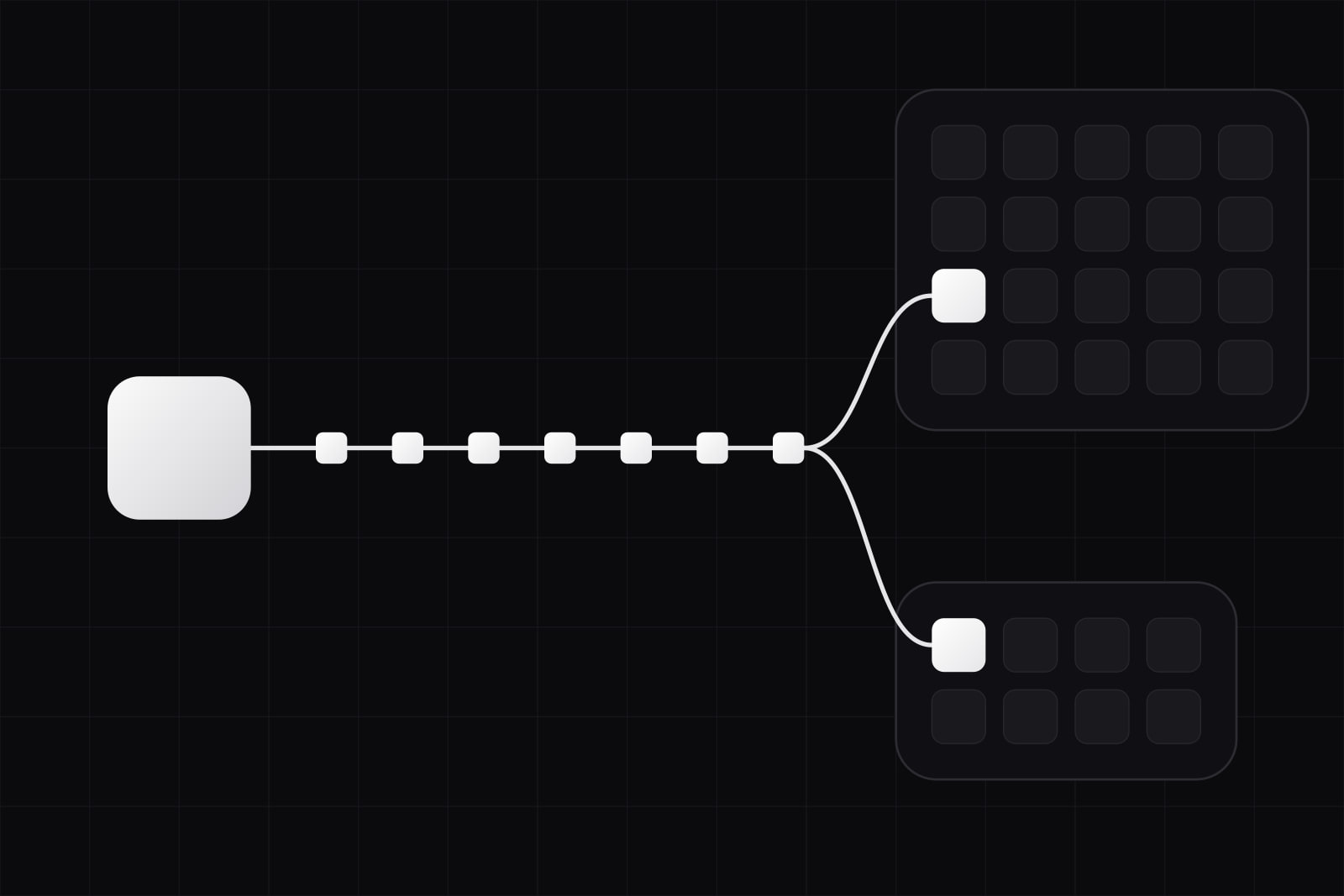
Getting a website on Google means getting its pages crawled and indexed: Google has to discover each address, fetch it, and decide to keep it in its index. By the end of this guide you will have a site Google has been invited to crawl through Search Console, that Bing and the other IndexNow engines hear about the moment a page changes, and that the search crawlers of ChatGPT, Claude and Perplexity are allowed to read. You will also have a short check to run whenever a page does not show up.
Start with the honest timeline. Google's documentation says crawling can take anywhere from a few days to a few weeks, and that requesting a crawl does not guarantee inclusion at all. No step below forces a page into the index. Each one removes a reason to wait, and on a new domain the wait is mostly discovery: Google does not yet know the site exists.
What you need before starting
- The site live on its final domain over HTTPS, with every page you want found answering 200.
- Access to the domain's DNS settings, to verify ownership with a TXT record.
- A sitemap at a stable address, usually
/sitemap.xml, generated by the framework or the CMS. - The main text of each page in the HTML the server sends, so a crawler that does not run JavaScript still reads it.
Step 1: Remove anything that blocks the crawler
A blocked crawler makes every later step useless, so this check comes first. Look in three places.
- robots.txt. A
Disallow: /carried over from a staging copy shuts out every crawler that respects the file. - The robots meta tag and header. A
noindexin the page head, or anX-Robots-Tag: noindexresponse header, tells Google to keep the page out of the index even after crawling it. - The edge. Bot protection on a CDN, a firewall rule or a password on the whole site can answer crawlers with a challenge page instead of the content.
Two commands show what a crawler sees:
curl -sI https://example.com/ | grep -i -E "^HTTP|x-robots-tag"curl -s https://example.com/robots.txtCloudflare now blocks known AI crawlers by default on new domains; our guide to the Cloudflare AI crawler settings covers that case. If the new site replaced an older one, the redesign checklist covers redirects and leftover noindex tags.
Step 2: Verify the site in Google Search Console as a Domain property
Search Console offers two kinds of property. A URL-prefix property covers one exact prefix, such as https://www.example.com/. A Domain property covers every subdomain and protocol under the domain, and it is verified with a single DNS TXT record. Pick the Domain property: it shows the whole site in one place, including the www and non-www versions Google may find on its own.
Verification can take a few minutes to propagate through DNS. Once it passes, the property starts collecting data from that day, so verify on launch day rather than after the first traffic report.
Step 3: Submit a sitemap Google can trust
The sitemap should list only canonical URLs that answer 200 and carry no noindex. Everything else in it is noise Google has to sort through. Google states that it ignores the priority and changefreq values and uses lastmod only when it is consistently and verifiably accurate. So write lastmod from the date the content last changed, never from the build time: a sitemap where every page changed this morning teaches Google to ignore the field.
Submit the sitemap in the Sitemaps report of Search Console, and add a Sitemap: line to robots.txt so Bing and the AI crawlers find it without a console. A site with thousands of URLs needs more structure than one file; our piece on sitemap strategy for a large content site covers split files and the sitemap index.
Step 4: Request indexing for the pages that matter most
In Search Console, paste a URL into URL Inspection and press Request indexing. Do this for the homepage and the handful of pages that carry the business: the main service or product pages and the contact page. Google warns that there is a quota for individual URLs and that asking again for the same URL does not get it crawled any faster. Spend the requests on the pages a new visitor would need first, and let the sitemap carry the rest.
Step 5: Link every new page from a page Google already knows
Google calls the first stage of crawling URL discovery: it learns about new pages from links on pages it already knows, and from sitemaps. A page that exists only in the sitemap gets discovered, but nothing on the site tells Google it matters.
- Link the main pages from the navigation or the homepage.
- Link each new article from the blog index and from one older article on a related subject.
- Get one link from outside the domain that you control: the company's LinkedIn page, a GitHub organisation, a listing in a professional directory of your field. It gives Google a known page that points at a domain it has never seen.
Paid link packages are a different thing. They break Google's spam policies and can cost the domain far more than the days they claim to save.
Step 6: Add the site to Bing Webmaster Tools and turn on IndexNow
Bing Webmaster Tools can import a verified site and its sitemaps from Search Console, so this step takes a few minutes once Step 2 is done. Then turn on IndexNow: an open protocol that pings participating engines when a URL is added, updated or deleted. Microsoft Bing, Naver, Seznam.cz, Yandex and Yep support it. Google is not on that list, so IndexNow sits next to Search Console and never replaces it.
The reason this matters beyond Bing's own results: OpenAI says ChatGPT search rewrites a question into queries it sends to third-party search providers, and Bing is among the providers it names. A page Bing has never seen is one fewer way into those answers.
Many hosts, CMSs and SEO plugins ship IndexNow already. Without one, the protocol takes a key file at the root of the site and one request per changed URL:
curl "https://www.bing.com/indexnow?url=https://example.com/new-page&key=YOUR_KEY"A 200 answer only means the engine received the URL. Crawling and indexing still follow on the engine's schedule.
Step 7: Let the AI search crawlers in, and decide on training separately
For Google's AI features the work is already done by this point. Google says there are no additional requirements to appear in AI Overviews or AI Mode: a page has to be indexed and eligible to show with a snippet, and Googlebot is the crawler that makes it so. Google also says no new machine-readable files or AI text files are needed.
The other assistants run their own crawlers, and each company separates the crawler that feeds its search from the one that collects training data:
- OpenAI:
OAI-SearchBotsurfaces sites in ChatGPT search;GPTBotcrawls for model training. A site opted out of OAI-SearchBot is not shown in ChatGPT search answers. - Anthropic:
Claude-SearchBotindexes content for search results in Claude;ClaudeBotcollects training data. - Perplexity:
PerplexityBotsurfaces and links sites in Perplexity's results and, per its documentation, is not used to train foundation models.
That split lets a site appear in AI search answers while refusing training. A robots.txt that does exactly that:
User-agent: OAI-SearchBot
Allow: /

User-agent: Claude-SearchBot
Allow: /

User-agent: PerplexityBot
Allow: /

User-agent: GPTBot
Disallow: /

User-agent: ClaudeBot
Disallow: /

Sitemap: https://example.com/sitemap.xml
Whether to refuse training is a business decision, and the file above is one possible answer, not a recommendation for every site. What matters for indexing is the first three blocks. OpenAI notes that a robots.txt change takes about 24 hours to reach its search systems.
How to check it worked
- URL Inspection in Search Console reports "URL is on Google" for each page that made it, with the date of the last crawl.
- The Page indexing report counts indexed and non-indexed pages, with a reason for each group. Read the reasons, not only the total.
- Bing Webmaster Tools has its own URL Inspection and an IndexNow log of what was received.
- Server or CDN logs show which crawlers came and what they got. Look for Googlebot, bingbot, OAI-SearchBot, Claude-SearchBot and PerplexityBot answered with 200, not 403 or a challenge page.
A site:example.com search is a rough signal at best. It shows a sample, and its count is an estimate.
Common failures and fixes
- Discovered, currently not indexed. Google found the URL and rescheduled the crawl, typically because crawling was expected to overload the site. Check server response times, then make sure the page has internal links from pages that are already indexed.
- Crawled, currently not indexed. Google fetched the page and decided not to keep it for now; its documentation says there is no need to resubmit. The fix is on the page: thin text, a near copy of another page, or a page that answers nothing a search would ask. Merge it or give it substance.
- Google chose a different canonical. The page has duplicates, often with and without a trailing slash or with tracking parameters. Set
rel="canonical", and use the same URL form in links and in the sitemap. - Indexed with an empty or wrong snippet. The text is rendered only in the browser. Render it on the server so the HTML carries it.
- AI crawlers get 403. A firewall or bot-management rule is answering for them. Allow the search crawlers by user agent and by the IP ranges each company publishes.
Going further
Indexing is the entry condition, not the result. Ranking and being cited in an AI answer depend on whether the page answers the question better than the pages around it. Our guide on how to get cited in Google AI Overviews and ChatGPT picks up where this one stops, and adding JSON-LD to an article helps engines read what each page is.
Sources
- Google Search Central, Ask Google to recrawl your URLs
- Google Search Central, AI features and your website
- Google Search Central, Build and submit a sitemap
- Google Search Central, In-depth guide to how Google Search works
- Search Console Help, Add a website property
- Search Console Help, Page indexing report
- Google Search Central, Indexing API quickstart
- Bing Webmaster Blog, Import sites from Search Console to Bing Webmaster Tools
- IndexNow.org
- OpenAI, Overview of OpenAI crawlers
- OpenAI Help Center, ChatGPT search
- Anthropic, Does Anthropic crawl data from the web
- Perplexity, Perplexity crawlers
Frequently asked questions
There is no fixed number. Google's documentation gives a range of a few days to a few weeks for crawling, and indexing is never guaranteed. A new domain with no links pointing to it sits at the slow end, because Google has few known pages that lead to it. Verifying the site in Search Console, submitting a sitemap and requesting indexing for the homepage remove the discovery delay; what remains is Google's own scheduling.
Be careful with any service that promises instant Google indexing for ordinary pages. Many of them push URLs through Google's Indexing API, which Google documents as usable only for pages with JobPosting or BroadcastEvent embedded in a VideoObject. Using it for other pages is outside its stated purpose, and it does not change whether Google decides to index a page. The free route covered here (Search Console, a clean sitemap, internal links, IndexNow for Bing) is the one the engines document.
For Google, no: its documentation on AI features says no new machine-readable files, AI text files or special markup are needed to appear in AI Overviews or AI Mode. For ChatGPT, Claude and Perplexity, what their documentation asks for is crawler access through robots.txt, for OAI-SearchBot, Claude-SearchBot and PerplexityBot. An llms.txt file can help agents read a site, which we cover in our article on llms.txt, but it is not an indexing switch.
OpenAI's crawler documentation describes no submission form. The documented route is to allow OAI-SearchBot in robots.txt and to let requests through from the IP ranges OpenAI publishes. ChatGPT search also sends queries to third-party search providers, Bing among them, so a site verified in Bing Webmaster Tools and pinging IndexNow has a second way in. Being findable does not guarantee being cited: that depends on whether the page answers the question asked.
Related articles
Infra Infra
InfraAI search traffic converts 4.4x better: the SaaS capture playbook
AI answers cut Google clicks to 8% of visits. But AI-referred visitors convert 4.4x better than organic. How SaaS teams capture and measure that traffic. Infra
Infra