

 AI
Vetting third-party MCP servers: 7 checks before production
The official MCP Registry listed 53,756 active servers on 2 November 2026 and scans none of them. Seven checks to run before one reaches production.
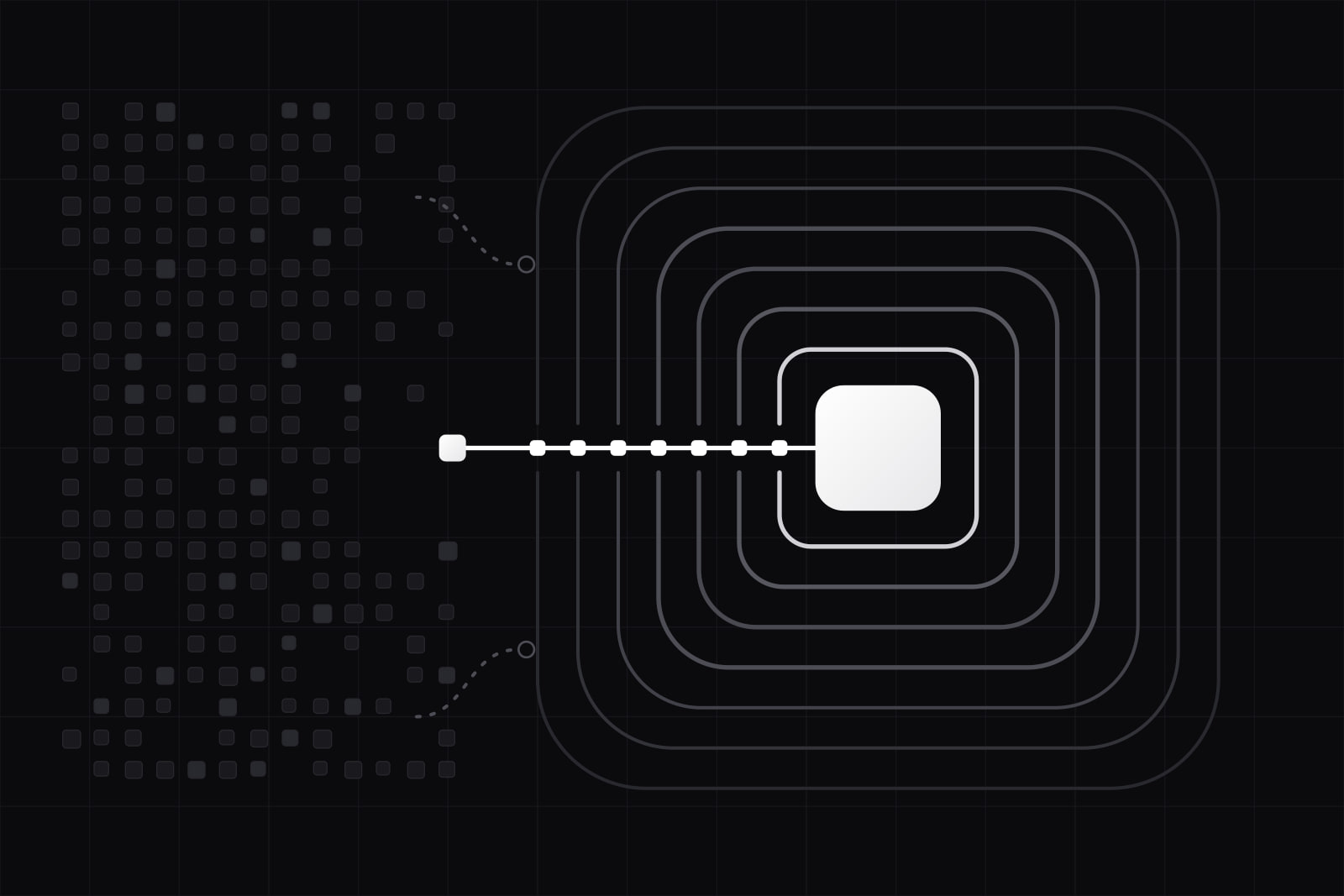
A third-party MCP server is a tool provider your AI agent trusts by default: it describes its own tools, the model reads those descriptions as instructions, and a local one runs with your user account's access. By the end of this guide you will have a seven-check review for any MCP server you did not write, a pinned configuration, a fingerprint of each server's tool list that tells you when it changes, and an allowlist that decides which servers your agents may reach.
The supply is large and unreviewed. On 2 November 2026 we counted the official MCP Registry through its public API: 54,599 servers in their latest version, 53,756 of them active and 843 deprecated. 36,418 list a remote endpoint and 21,864 an installable package. The registry checks one thing, who may publish under a name. Its own documentation says it "focuses on namespace authentication and metadata hosting" and leaves the scanning of server code to npm, PyPI, Docker Hub and the marketplaces built on top of it. A listing proves the publisher controls a GitHub account or a domain. It tells you nothing about what the code does.
That gap has already been used. In September 2025 Koi Security found postmark-mcp, an npm package that copied Postmark's own MCP server, shipped 15 clean versions, then added one line in version 1.0.16 that blind-copied every email it sent to an outside address. The Register reported about 1,500 downloads in its last week online.
What you need before starting
- The list of MCP servers configured today in every client your team uses: Claude Code, Claude Desktop, Cursor, VS Code, your own agents. Servers nobody approved are a risk of their own; the OWASP MCP Top 10 lists them as MCP09, Shadow MCP Servers.
- For each agent, the data it can reach and the credentials it holds.
- One place to record decisions: a file in a repository or a page per server in an internal registry.
- The MCP Inspector, or any client that can call
tools/listand print the raw response.
Step 1: Confirm who published the server
Every server in the official registry has a reverse-DNS name. A name under io.github.username was published by whoever controls that GitHub account. A name like com.example/server was proven through a DNS or HTTP challenge on that domain. In our count, 31,758 latest entries sit under GitHub namespaces and 22,841 under other domains.
Check that three things match: the registry name, the source repository, and the package identifier you will actually install. postmark-mcp fails this check. Postmark published its server from its own GitHub repository; the npm package with the same name belonged to someone else. Prefer the server the vendor of the underlying service publishes itself. When a community server is the only option, read its commit history and its list of maintainers, and treat a recent change of owner as a new server.
Step 2: Read every tool description the model will read
Tool descriptions are prompt text. The user sees a tool name. The model sees the full description, and on 1 April 2025 Invariant Labs showed that hidden instructions inside a description can steer an agent into leaking data through a different, trusted server. OWASP lists the pattern as MCP03, Tool Poisoning.
Connect the server in a disposable environment, call tools/list, and read the raw JSON: every description, every parameter description, every default value. Flag anything that speaks to the model ("before using this tool", "do not mention this to the user"), names other tools or servers, or asks for files and secrets the tool's job does not need. Then compare the tools with what the server claims to do. A weather server with a tool that reads local files has told you what it is.
Step 3: Decide where it runs, and isolate local servers
A remote server runs on its operator's machines and reaches only what you send it and what its OAuth scopes allow. A local server is a different risk. The MCP project's local server security guide describes it as an ordinary child process that inherits your environment variables and can read anything your account can read, from SSH keys to cloud credentials. The guide is explicit that the stdio transport is no sandbox: client and server share one trust domain.
So prefer the remote endpoint when the vendor offers one and your data allows it. When a server has to run locally, run it in a container or a VM with no home directory mounted, only the environment variables it needs, and outbound traffic limited to the hosts it must call. For remote servers, grant the narrowest OAuth scopes the job needs and review them against MCP02 in the OWASP list, privilege escalation via scope creep.
Step 4: Pin the exact version, never latest
Most install snippets read npx -y package or uvx package with no version. That fetches whatever is newest each time the client starts, which is how a clean 1.0.15 becomes a backdoored 1.0.16 without anyone deciding it. Write the exact version into the client configuration (package@1.4.2, or a container image by digest), commit the lockfile, and check provenance when the publisher provides it: npm's provenance statements link a published package to the source commit and the build that produced it.
The registry helps on its side. Its versioning rules require a unique version string for each publication, freeze the metadata once published, and reject ranges such as ^1.2.3. Pinning has a cost: upgrades become your job. Give each server an owner and a review date. A remote server cannot be pinned at all, since its operator ships when it likes. The next step covers that case.
Step 5: Fingerprint the tool list and re-approve on change
A pinned package freezes the code you run. It does not freeze what a remote server says about itself, and the protocol lets a server announce new tool definitions at any time with notifications/tools/list_changed. Invariant Labs calls the abuse of this a rug pull: a tool approved clean is changed after the approval.
The defence is cheap. At approval, save the tools/list response, normalise it (sorted keys, no whitespace) and store its SHA-256 hash next to the decision. At every session start, and on every list_changed notification, compute it again and compare. A different hash blocks the server until a person reads the diff. Most changes will be harmless new tools. The few that are not are the reason the check exists.
Step 6: Vet the connectors on the client side too
The server is not your only dependency. Bridges and proxies that connect a client to remote servers run on your machine too. On 9 July 2025 JFrog disclosed CVE-2025-6514 in mcp-remote, a widely used bridge: a malicious server could answer the authorization step with a crafted URL that ran commands on the connecting machine. It scored 9.6 on CVSS, affected versions 0.0.5 to 0.1.15 and was fixed in 0.1.16.
Put these packages in the same inventory as the servers, pin them, and subscribe to their security advisories. A server you trust, reached through a bridge you never updated, is still an open door.
Step 7: Route it through an allowlist with logs and a way out
The last check turns the six above into policy.
- An allowlist of approved servers and versions, the one source your clients read. The registry publishes an OpenAPI spec that private registries can implement, so an internal list can answer in the same shape as the public one.
- A gateway that logs every tool call with its arguments. An agent action you cannot replay is an action you cannot investigate; OWASP lists the gap as MCP08, Lack of Audit and Telemetry.
- Credentials per server, never a shared admin token, so revoking one leaves the rest working.
- A written way out: which configuration lines to delete, which keys to rotate, who to tell.
We cover the gateway and audit set-up in how to harden an MCP server for enterprise.
How to check it worked
- Every server configured in every client appears on the allowlist with an owner, a pinned version and a review date.
- A configuration that uses
latest, a barenpx -yor an image tag without a digest fails your CI check. - Changing one character in a test server's tool description blocks it at the next session start.
- A tool call from any agent shows up in the gateway log, with its arguments, within a minute.
- Revoking one server's credentials leaves every other server working.
Common failures and fixes
- The hash changes on every start. Some servers build descriptions with timestamps or in random order. Normalise before hashing; if the server still drifts, raise it with the maintainer or replace the server.
- Developers add servers locally and skip the review. On managed machines, make the allowlist the only configuration clients load, and scan for MCP configuration files the list does not know.
- The vendor has no remote endpoint and the local server wants broad file access. Mount only the folder it works on, read-only where you can, and review that server more often than the rest.
- Upgrades pile up because pinning made them manual. Batch them once a month: read the changelog and the diff of the tool list together, then upgrade.
Going further
Vetting is one part of running MCP in production. For what the protocol is and when a SaaS needs a server of its own, read what MCP is and why your SaaS needs an MCP server. When the same third-party server keeps failing the review, writing your own may be cheaper: build vs buy for MCP servers covers that trade. For who decides how the protocol changes, see MCP governance in 2026.
Sources
- The MCP Registry: about, trust and security (modelcontextprotocol.io)
- Versioning published MCP servers (modelcontextprotocol.io)
- Official MCP Registry API, v0/servers (counted 2 November 2026)
- Local Server Security, MCP documentation 2026-07-28
- MCP specification 2026-07-28: Tools, list changed notification
- OWASP MCP Top 10
- Invariant Labs: MCP Security Notification, Tool Poisoning Attacks
- Koi Security: postmark-mcp, the first malicious MCP server found in the wild
- The Register: fake Postmark MCP npm package stole emails with a one-liner
- JFrog: CVE-2025-6514, critical mcp-remote RCE vulnerability
- npm Docs: generating provenance statements
Frequently asked questions
A listing proves who published the server, not what it does. The registry authenticates namespaces through GitHub, DNS or HTTP challenges and hosts metadata; its documentation leaves security scanning of the code to package registries such as npm and PyPI and to downstream marketplaces. Maintainers can take down malicious servers by hand, but only after someone reports them. Treat a registry listing as the first of the seven checks, never as the review itself.
On every version change for servers you pin, and on every change to the tool list fingerprint for remote servers you cannot pin. Beyond that, a scheduled review per server catches what events miss: a new maintainer, a repository moved, a security advisory on a dependency. A server that touches customer data or credentials deserves a shorter cycle than one that formats dates. Write the review date into the allowlist entry so it is visible, not remembered.
They carry a different risk. A remote server cannot read your files or environment variables, which removes the worst outcome of a malicious local process. But you cannot pin its code, its operator can change its tools at any time, and everything you send it leaves your network. A remote server with narrow OAuth scopes and a fingerprinted tool list is usually the safer default for most data. A local server in a container with no home directory mounted is the better choice when the data must not leave your machines.
The team that already approves third-party dependencies, usually platform or security engineering, with the person who asked for the server named as its owner. Security sets the seven checks and runs the gateway; the requesting team reads the tool descriptions, because they know what the server should and should not do. Splitting it this way keeps reviews from queueing behind one team. What fails is leaving it to each developer, which is how shadow servers appear.
Related services
Related articles
AI AI
Next.js MCP server: mcp-handler, OAuth 2.1, Redis sessions
Mount an MCP server on a live Next.js 16 SaaS with mcp-handler: the dynamic transport route, OAuth 2.1, Redis session state, and 4 failure modes. Design