

 Infra
InfraCloudflare AI Gateway: caching, spend caps, dynamic routing
One URL in front of 24 native providers, with per-model cost logs, dollar spend caps and a cache you set from 60 seconds to a month. Core features are free.
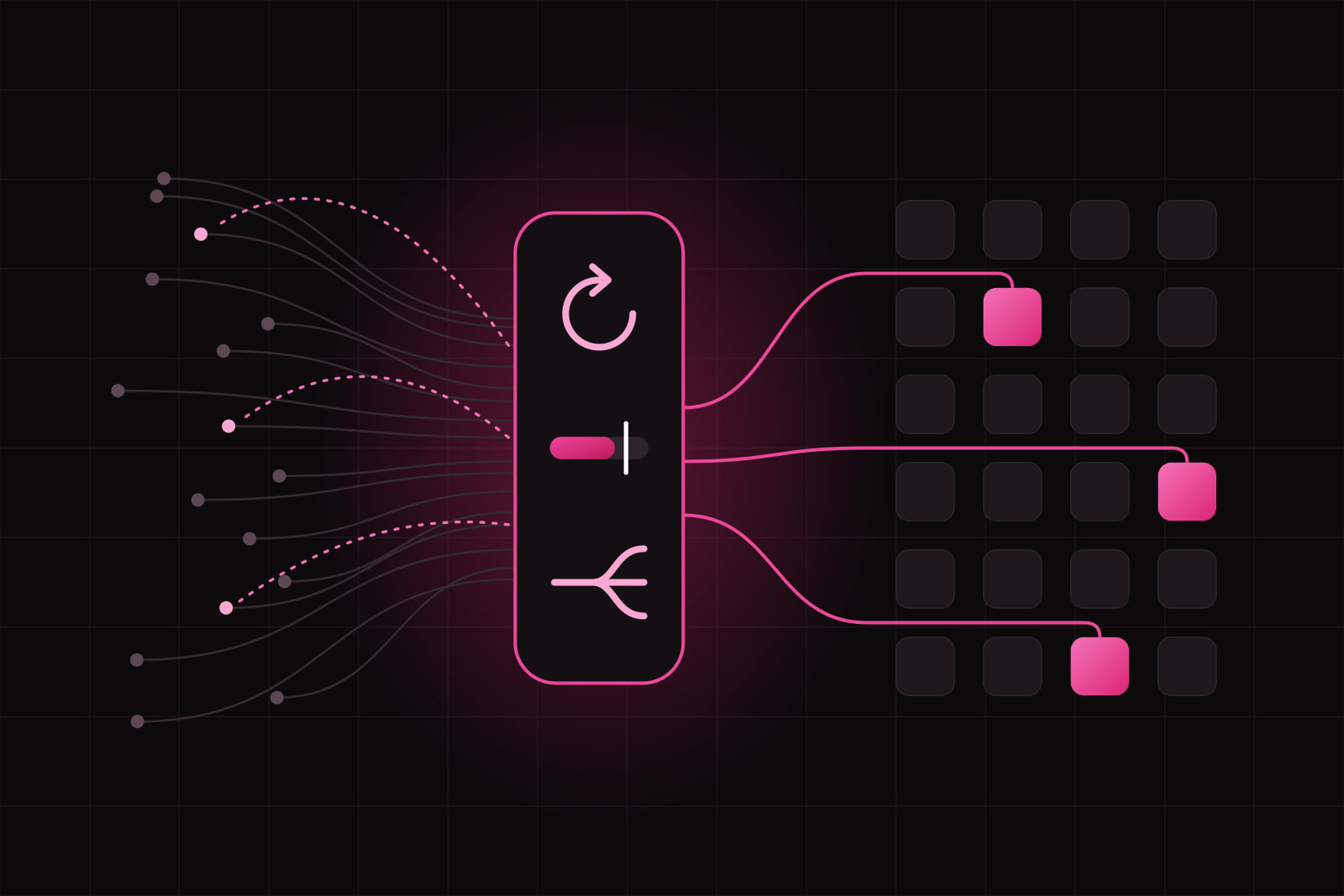
Cloudflare AI Gateway is a proxy that sits between your application and the AI providers it calls, adding caching, analytics, rate limits, dollar-denominated spend caps and a log of every request, without changing which models you use.
It fits teams whose AI features have left the prototype stage. Two or three providers, a few thousand calls a day, and a monthly invoice nobody can attribute to a feature. Model quality stays exactly where it was. What changes is that you know the cost, per user and per route, before the invoice lands.
The 30-second version
One thing changes: the base URL your SDK points at. Requests go to your gateway endpoint on Cloudflare, which forwards them to the provider and hands the response back. The rest of the code stays where it is. In exchange you get request logs, per-model cost analytics, a cache, rate limits, spend limits denominated in dollars, and optional content filtering. Core gateway features are free, and Cloudflare passes provider inference charges through with no markup.
What problem does an AI gateway actually solve?
Two problems, and neither one is model quality.
The first is cost visibility. In the State of FinOps 2026, 98% of respondents said they now manage AI spend, up from 31% two years earlier, and AI cost management came out as the top skill practitioners need to build. It is hard for a structural reason: AI spend does not track user count. One agentic feature fans a single click out into a chain of model calls, and a retrieval step multiplies the tokens in a prompt several times over. A budget built on last quarter's request volume misses by a wide margin.
The second is attribution. Provider dashboards report spend by API key and by model. They will not tell you that the summarisation endpoint costs nine cents per active user per day while the search box costs a fraction of a cent. With no proxy in the path, that number has to be reconstructed from application logs you probably are not writing yet.
How it works
A gateway is one URL per project. Requests hitting it are forwarded to the provider you named, and the response comes back in the shape the provider sent it. Three call styles are supported. Provider-native endpoints keep the exact request format of OpenAI, Anthropic, Google and the rest, so existing SDK code works after a base URL change. A unified OpenAI-compatible endpoint lets you swap models by changing a string. Dynamic routing runs a flow you define before it picks the model.
AI Gateway supports 24 providers natively, among them OpenAI, Anthropic, Google Vertex AI, Amazon Bedrock, Groq, Mistral, DeepSeek, xAI and Cloudflare's own Workers AI. Anything else with an HTTPS API can be wired in as a custom provider and still gets logging, caching and rate limiting. With unified billing you call providers on Cloudflare-managed credentials instead of storing keys in the application, and settle on one invoice.
The five controls worth knowing
Caching
Identical requests are served from Cloudflare's cache instead of the provider. TTL is set per request with the cf-aig-cache-ttl header, with a floor of 60 seconds and a ceiling of one month. The caveat is real: only exact repeats hit. In a chat product where every prompt is free text, the hit rate sits near zero. In a classification or extraction pipeline running a fixed template over a bounded set of inputs, it is the largest single reduction available on the bill.
Rate limiting
Requests per time window, per gateway. Over the limit, the gateway answers 429 and the request never reaches the provider. Treat it as abuse protection and blast-radius control, not as cost control: a hundred cheap requests and a hundred expensive ones count the same.
Spend limits
Budgets denominated in dollars, not in requests. The gateway tracks cumulative spend from token usage and model pricing, then blocks requests once the cap is reached. Cloudflare shipped these in open beta on 5 June 2026 across all plans, with worked examples like a $200 per day budget for each user or a $10,000 per day ceiling for the whole gateway. This is the control that turns an AI feature from an open-ended liability into a line item with a maximum.
Guardrails
The gateway can inspect prompts and responses in flight against safety categories. Evaluation runs on @cf/meta/llama-guard-3-8b on Workers AI and is billed as Workers AI token inference, so cost scales with how much text you screen. It also adds a model call to the path, which shows up in latency. Screen the surfaces where user-written text reaches a model, not every call.
Dynamic routing
Dynamic routing replaces a hard-coded model with a small flow, built visually or as JSON. Conditions choose the model, quotas are enforced inside the flow, and fallbacks catch a provider outage. Sending paid users to the larger model and free users to the cheaper one becomes a two-node flow instead of a branch in application code.
What the logs give you
Analytics cover requests, tokens, cost, errors and latency, broken down by provider and model, which is the view the provider dashboards do not offer once you run more than one of them. Since August 2026 the gateway can also read the identity of the authenticated user from Cloudflare Access and attach it to logs, analytics and spend rules. That turns "the AI bill went up 40% this month" into a named account and a route, which is the difference between a finance question and an engineering ticket.
What it costs
The gateway itself is free to run, and provider inference is passed through at provider rates. The one metered resource is log storage: 100,000 logs stored across all gateways on the Workers Free plan, 200,000 on Workers Paid, then $8 per additional 100,000 logs stored per month. Logpush, which streams logs into your own storage, needs a paid plan. Guardrails is billed as inference. Budget for logs and guardrails; next to the model bill the rest rounds to nothing.
When to route through it, and when not
Route through it when you call more than one provider, when a single user action fans out into several model calls, when you need a per-customer or per-team budget the platform enforces for you, or when the stack already sits on Cloudflare and one more binding costs nothing.
Think twice when you call one provider a few hundred times a day and already have tracing that answers the cost question. Think twice when contracts or data residency rules make an extra processor in the request path a legal conversation rather than a config change. And verify streaming in staging before you move production traffic: it is supported, and token-by-token responses, timeouts and error passthrough are the three behaviours worth checking with your own client.
The general trade is the one every managed proxy asks for. You accept a hop of latency and a dependency, and you get controls you would otherwise build and maintain. If you want those controls inside your own infrastructure, LiteLLM is the self-hosted option and runs on a modest instance with a Postgres database. If governance and guardrail depth is the reason you are shopping, Portkey is built around that. The category has converged on much the same primitives, so the decision is mostly about who operates them.
Adjacent concepts
A gateway measures and caps spend. It does not decide what an AI feature should cost in the first place, which is a pricing question we work through in budgeting token cost before it eats your margin. It does not replace application-level caching and streaming design either; that work lives in the client, and we covered the Next.js side in the Anthropic API in Next.js. If Cloudflare already holds your storage, the R2 comparison covers the other half of that invoice.
Sources
- Cloudflare AI Gateway: overview
- Cloudflare AI Gateway: pricing
- Cloudflare AI Gateway: caching
- Cloudflare AI Gateway: spend limits
- Cloudflare AI Gateway: guardrails
- Cloudflare AI Gateway: dynamic routing
- Cloudflare AI Gateway: supported providers
- Cloudflare AI Gateway: unified billing
- Cloudflare: spend limits in AI Gateway
- Cloudflare: identity-aware AI Gateway analytics
- FinOps Foundation: State of FinOps 2026
Frequently asked questions
Yes, a proxy adds a hop, and the honest way to size it is to measure it against your own baseline rather than trust a number in a blog post. In practice the added time is small next to the model generation itself, which is usually measured in seconds. Two features change the picture in opposite directions: a cache hit removes the provider call entirely and returns far faster than the model would, while guardrails add a second model call and make the request slower. Run both settings against your own p95 before you decide.
The gateway itself is free, and provider inference is billed at provider rates with no markup. Two things are metered. Log storage is free up to 100,000 logs on the Workers Free plan and 200,000 on Workers Paid, then $8 per additional 100,000 logs stored per month. Guardrails is billed as Workers AI token inference, so it scales with the volume of text you screen. Logpush, which streams logs into your own storage, requires a paid plan.
Yes. Provider-native endpoints preserve the exact request and response format of each provider, so the change is the base URL your client points at and nothing else in the call site. If you would rather normalise every provider behind one shape, the unified OpenAI-compatible endpoint lets you switch models by editing a string. Both styles get the same logging, caching, rate limits and spend limits. Pick native endpoints when you rely on provider-specific parameters, and the unified endpoint when swapping models cheaply matters more.
Requests are blocked once cumulative spend crosses the cap, which means the feature stops rather than the bill growing. Design for that outcome before you enable it: decide what the product shows when the model is unavailable, and whether a fallback to a cheaper model is better than an error. Dynamic routing is the place to encode that decision, since a flow can send traffic to a smaller model instead of failing. Setting a gateway-wide ceiling and a lower per-user budget is the common pattern, because it caps the company risk and the single-account risk separately.
Related articles
Infra Infra
InfraCloudflare Workers AI vs the OpenAI API: where each wins
Workers AI bills $0.011 per 1,000 Neurons and runs on GPUs in over 180 cities. Here is where that beats a hosted API, and where it does not. Infra
Infra