

 AI
AIAnthropic API in Next.js: streaming, caching, and cost control
Wire Claude into a Next.js app: a server-side route handler, SSE streaming, a cached prompt prefix at 10% of input cost, and retries that survive a 429.
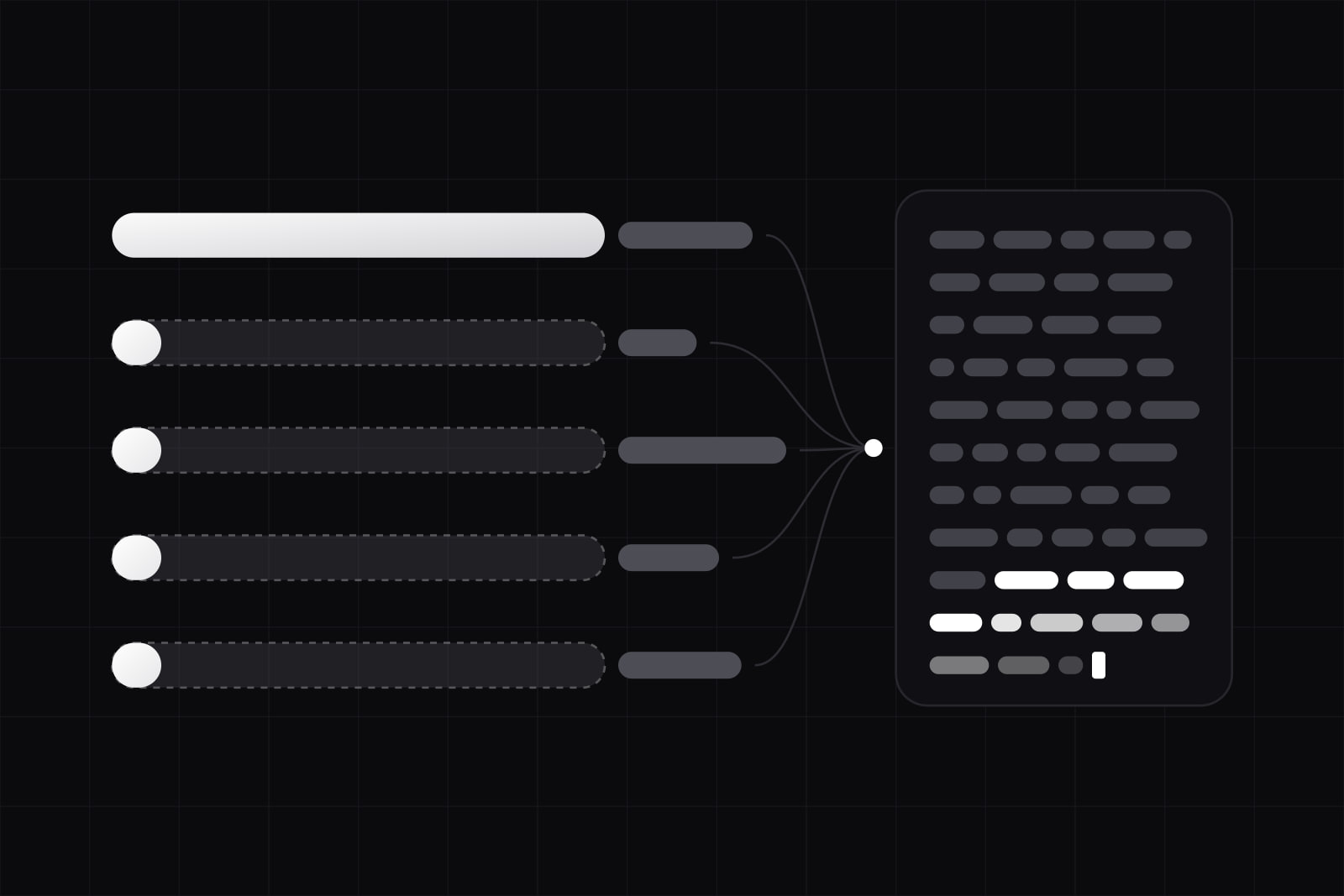
At the end of this you have a Next.js route handler that streams Claude's output to the browser as it is generated, a system prompt cached so repeat calls pay a tenth of the input rate, retry behaviour that survives a rate limit, and a per-request cost you can put in a spreadsheet before you ship.
This is the pattern we reach for when a client asks for AI inside the product. A support-ticket summariser. A draft generator. A classifier that reads the customer's own data. Small surface, high traffic, real money per call. Agent frameworks are a different article. This is the plumbing underneath one.
What you need before writing any code
Three things, and the third is the one teams skip.
- An API key from the Anthropic Console, stored server side.
- A decision about which runtime the handler runs on.
- Three numbers: calls per day, average input tokens, average output tokens.
Without the third, cost is a surprise that arrives at the end of the month. A feature at 2,000 calls a day with a 4,000-token system prompt behaves nothing like the same feature at 200 calls with a 400-token prompt, and the fix for each is different. Ranges by feature type are in our breakdown of AI integration cost for a SaaS.
Anthropic SDK or Vercel AI SDK?
Both answers are defensible. The choice is about coupling.
@anthropic-ai/sdk is the official client. You get every Claude-specific parameter the day it lands: cache breakpoints, extended thinking, the full stream event shape. We use it when the AI feature is the product.
The Vercel AI SDK puts one interface over many providers, each in its own package (@ai-sdk/anthropic, @ai-sdk/openai). Swapping models becomes a two-line change, and useChat on the client saves a day of stream-parsing work. The price is lag: an abstraction over a dozen providers always trails the newest feature of any one of them. We use it when provider optionality is written into the contract.
Step 1: keep the key on the server
The key lives in ANTHROPIC_API_KEY, never in a NEXT_PUBLIC_ variable, and the call happens inside a Route Handler. Every getting-started guide says this. It still gets violated in production. A key in a client bundle is a key on someone else's bill.
import Anthropic from '@anthropic-ai/sdk'

const client = new Anthropic()

export async function POST(req: Request) {
  const { question } = await req.json()
  const stream = client.messages.stream({
    model: 'claude-sonnet-5',
    max_tokens: 1024,
    system: SYSTEM_PROMPT,
    messages: [{ role: 'user', content: question }],
  })
  return new Response(stream.toReadableStream())
}
Server Actions would work as well, but a Route Handler is the right shape here: you are returning a stream, not mutating state. We drew that line in type-safe RPC with Server Actions.
Step 2: stream, because waiting reads as broken
A 1,000-token answer takes several seconds to generate. Rendered in one go, that is a spinner and a user who reloads the page. Streamed, the first words land in under a second and the same wall-clock time feels fast.
The Messages API streams over server-sent events. In the TypeScript SDK, .stream() holds the connection open and emits typed events, and .finalMessage() accumulates them into the complete message when you also need the whole answer server side for logging or for a database write.
Two details are worth getting right. Log the final message on the server, not in the browser, or your analytics quietly lose every abandoned request. And decide what a half-streamed answer means in your data model. We write the row on message_stop and mark anything shorter as failed, which keeps truncated generations out of the training data and out of the product's own history.
Step 3: cache the static prefix
Most product AI features send the same 2,000 to 8,000 tokens on every call: system prompt, tool definitions, the schema of the customer's data, a handful of examples. Paying full input price for that on every request is the most common waste we find in AI features that shipped without review.
Prompt caching removes it. Mark the end of the static section with a cache breakpoint. A cache write costs 1.25x the base input rate at the five-minute TTL, and every later read of that prefix costs 10% of it, per Anthropic's pricing page. Break-even lands on the second call.
One rule makes it work: order the request static first. A cached prefix has to match exactly, so anything that changes per request (the question, a timestamp, the tenant name) goes after the breakpoint. Put one dynamic value in the middle of a system prompt and the hit rate drops to zero with no error to warn you. Check cache_read_input_tokens in the usage block of the response. If it is 0 on the second identical call, the prefix moved.
Step 4: treat 429 and 529 as normal traffic
Both will happen. A 429 means a rate limit was hit and carries a retry-after header telling you how long to wait. A 529 means the API is temporarily overloaded, which is about capacity and not about your account.
The official SDKs already retry transient failures twice by default with exponential backoff, honouring retry-after. That covers the boring cases. It does not cover the interesting one: a failure after the first bytes have reached the browser. Retrying server side at that point ships a duplicated answer. We hold the response until the stream is established, then treat any later break as a visible error with a retry control, rather than stitching two generations together and hoping nobody reads carefully.
Set your own timeout below the platform's, so the user reads your error message instead of a 504 page.
Step 5: move non-interactive work off the request path
Nightly summaries, bulk classification, re-labelling 40,000 old rows: none of it needs a live connection. The Message Batches API takes up to 10,000 requests per batch, returns inside 24 hours, and costs 50% less than the same calls made synchronously. The discount stacks with prompt caching.
Our rule: if no human is waiting for the answer, it goes in a batch. A large share of the AI bill in a mature product sits in work that ended up on the interactive path out of habit, not out of need.
Step 6: pick a runtime and a duration budget
A streaming AI handler is a long-lived request, which turns runtime choice into a real decision instead of a default. On Vercel, a function that runs past its budget returns a 504 FUNCTION_INVOCATION_TIMEOUT mid-stream and the user reads a truncated answer.
The Edge runtime streams for up to 300 seconds but has to begin the response within 25 seconds. That is comfortable for chat and wrong for a first token that waits on a slow query. Node functions on Pro and Enterprise plans now run up to 30 minutes, which covers long generations and batch orchestration. Our default is Node whenever the handler touches a database before it calls Claude, and Edge for stateless prompts where latency to the user is the whole point. The full trade-off is in Edge runtime vs Node runtime.
What this pattern does not give you
The gap between a working demo and a feature you can charge for lives mostly here.
- No evaluation. Nothing above tells you whether the answers are good. A set of 30 to 50 graded examples, run on every prompt change, is the cheapest quality control in AI work and the first thing teams postpone.
- No per-user budget. Rate limits from Anthropic apply to your organisation, not to your customers. One user in a loop can starve every other tenant.
- No prompt-injection defence. Any user text that reaches the model can try to rewrite its instructions. Treat model output as untrusted input to the rest of your system, especially when tools can write.
- No output contract. Free-form text is fine for a summary and useless for a field in your database. Constrain the shape with tools or structured outputs before you parse the response.
Order matters more than any single item on the list. Key on the server, then streaming, then caching, then retries, then batching, then runtime. Teams that start at caching before they have the traffic numbers optimise the wrong prefix. Teams that start at the runtime rewrite the handler twice.
Sources
- Streaming messages, Claude Platform Docs
- Prompt caching, Claude Platform Docs
- Pricing, Claude Platform Docs
- Rate limits, Claude Platform Docs
- API errors, Claude Platform Docs
- Batch processing, Claude Platform Docs
- Introducing the Message Batches API, Anthropic
- Is my data used for model training?, Anthropic Privacy Center
- Vercel Functions limits
- Vercel Functions can now run up to 30 minutes
- Vercel AI SDK, GitHub
Frequently asked questions
Take three numbers: calls per day, average input tokens, average output tokens. Multiply by the published per-token rates for the model you picked and by 30. Then apply two corrections. Cached prefix tokens bill at 10% of the input rate after the first write, and anything you move to the Message Batches API bills at 50%. Add 30% headroom for retries and for answers that run longer than your test prompts. Run 20 real prompts through the API and compare the measured token counts against your estimate before you trust it.
You get 529 overloaded errors, and the decision is a product decision rather than an engineering one. Three options: queue the request and deliver the answer later by email or notification, fall back to a second provider behind the same interface, or fail visibly and let the user retry. Queueing works for anything asynchronous. A second provider costs a second prompt to maintain, because prompts are not portable in practice. Failing visibly is the honest choice for interactive features, and it needs a real error state in the UI, designed before launch rather than after the first outage.
No. Under the commercial terms, inputs and outputs from the API are not used to train models unless the customer explicitly opts in, for example through a partner programme. That covers the API, Claude for Work, and the models served through Amazon Bedrock and Google Cloud Vertex AI. It does not answer everything a compliance review will ask: retention windows, sub-processors, data residency and a signed DPA are separate questions, and for a health or finance product they belong in the contract before the first request is sent.
Yes, for any multi-tenant product. Anthropic's limits apply to your organisation as a whole, so a single customer stuck in a retry loop consumes the quota of every other customer and everyone sees 429s. A counter in Redis keyed by user or tenant, checked before the call, solves it in an afternoon. Set the per-user ceiling from your pricing, not from the API limit: if a plan includes 200 generations a month, that number belongs in the code, and going over it should read as a plan limit rather than a server error.
Related services
Related articles
AI AI
AI7 Claude app mistakes that cost tokens, money, or the company
Seven mistakes we see in production Claude apps. Some cost tokens, some cost money, one or two can cost the company. Each one has a simple fix. Web
Web