

 Design
EAA enforcement: 6 reasons compliant-on-paper products fail audits
WebAIM found WCAG failures on 95.9% of top home pages in 2026. Six ways an EAA statement, a Lighthouse 100 and an overlay still fail an accessibility audit.
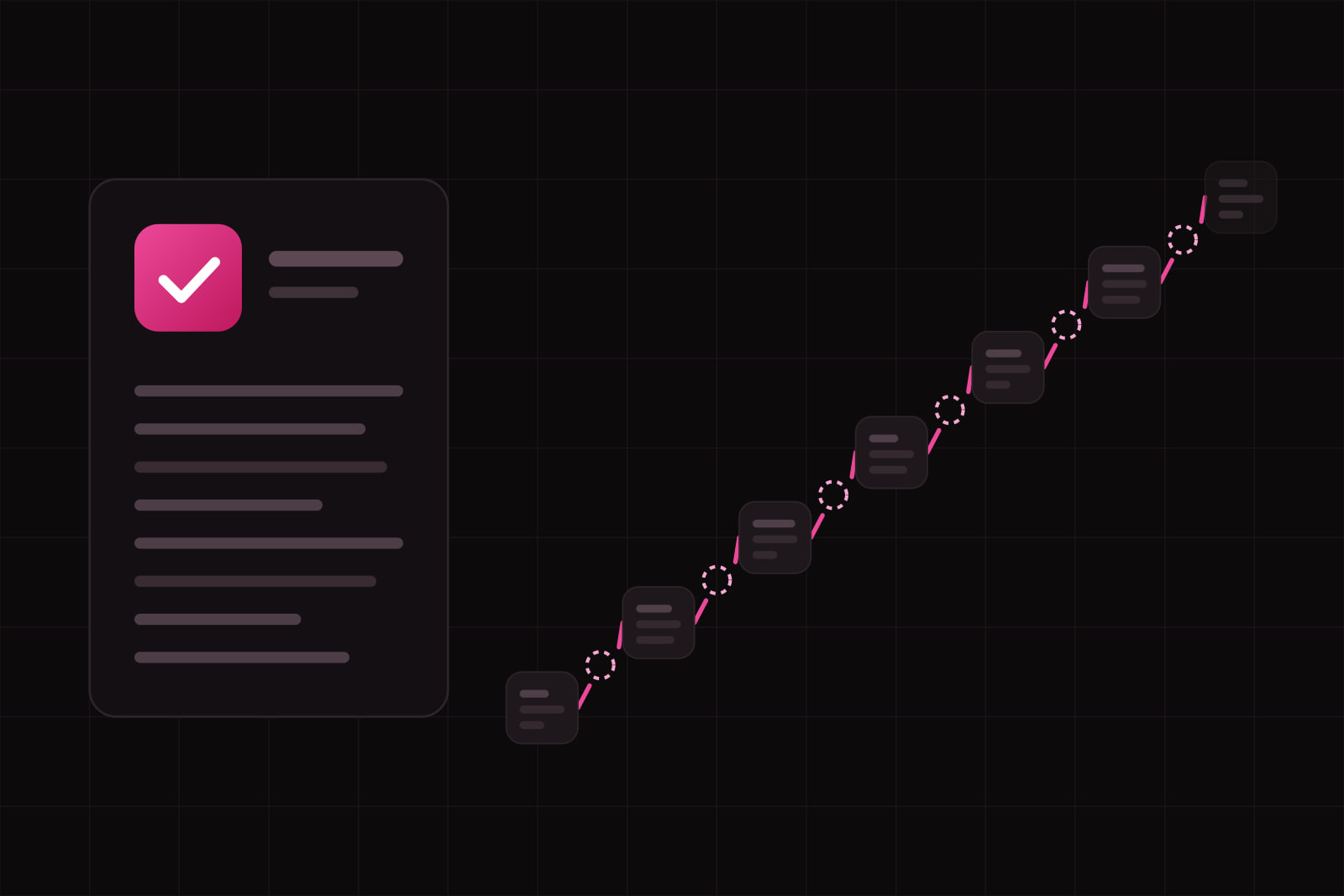
The EAA enforcement gap is the distance between a product that looks compliant with the European Accessibility Act on paper (a published statement, a green Lighthouse score, an overlay widget in the footer) and a product a disabled person can actually use to finish a purchase, open an account or change a booking. Audits, complaints and court cases measure the second. The paperwork is the cheap half, and it is the half that gets done first.
The Act has applied since 28 June 2025 to a defined list of consumer products and services, among them e-commerce, consumer banking, e-books, electronic communications and passenger transport services (Directive (EU) 2019/882). Its first year of enforcement ran mostly through notices, injunctions and correction deadlines rather than fines. That is the phase where the gap shows: an inspector or a complainant tries the service with a keyboard or a screen reader, and the statement on the site stops mattering.
What does compliant-on-paper look like?
The pattern is easy to recognise. The footer links to an accessibility statement that declares full conformance with WCAG 2.1 AA. The statement carries no date of evaluation and no list of known issues. The marketing site scores 100 in the Lighthouse accessibility audit. An overlay offers a contrast toggle and a font slider. Then someone tabs through checkout and the focus disappears inside a date picker, or a screen reader announces the payment button as "button", with no name.
None of these signals is fraudulent by itself. Each one measures something narrower than the law asks for. The six mistakes below are where the narrowing happens.
Six reasons compliant-on-paper products fail audits
1. The automated score is treated as the audit
Automated checkers read the markup. They cannot tell whether alt text describes the image, whether focus order follows the visual order, or whether an error message reaches a screen reader user at the moment it appears. When the UK Government Digital Service ran 13 tools against a test page built with 142 deliberate barriers, the best tool found 40 percent of them (GDS accessibility blog). A Lighthouse 100 means the page has none of the errors Lighthouse looks for, in the state it was tested. It says nothing about the rest.
2. The statement is a template, not an assessment
Annex V of the Directive asks service providers to explain how the service meets the accessibility requirements, in the general terms and conditions or an equivalent document, covering the design and the operation of the service as far as the assessment needs it (Directive (EU) 2019/882, Annex V). A copied paragraph declaring full conformance does none of that. An undated statement with no known issues reads as a sign that nobody evaluated the product. A statement that names the standard, the date and method of the last evaluation, the known failures and the date each one will be fixed reads as a product under control, even before it is fully conformant.
3. An overlay is installed as the remedy
An overlay adds a widget on top of the page. The barriers sit in the page underneath: unlabeled inputs, divs acting as buttons, dialogs that let focus escape. In January 2025 the US Federal Trade Commission ordered accessiBe to pay $1 million over claims that its widget could make any website WCAG compliant, and stated that the tool had failed to make basic components such as menus, headings, tables and images conformant (FTC press release). That is a US consumer-protection order, not an EAA ruling. It still answers the practical question: a script layered on top does not repair the markup an auditor tests.
4. Components pass alone and fail together
This is the design system version of the gap. Each component in the library passes its own checks: the button has a name, the input has a label, the dialog has a role. The failure appears in composition. A dialog opens from a menu and, when it closes, focus jumps back to the top of the page. A form shows inline errors that are visible but never announced. A combobox works with a mouse and traps the keyboard inside a filter panel. Component stories test parts one at a time. Audits test tasks, and tasks cross components. We cover how a library drifts away from its own rules in component drift: how design systems decay.
5. Pages get audited, flows do not
A conformance claim often rests on a sample of templates: home, product page, article. The tasks the EAA cares about live elsewhere: sign-up, identity checks, cart, payment, booking changes, the account area. In the French cases that the associations apiDV and Droit Pluriel brought against four large grocery retailers in November 2025, the target was the online shopping service itself, the website and the app a blind or partially sighted customer uses to buy groceries (Intérêt à Agir). In 2026 a French court gave Carrefour six months to make its site and app accessible, with a penalty for each day of delay (LSA).
6. The six common errors stay in the tokens
The WebAIM Million 2026 found detectable WCAG failures on 95.9 percent of the top one million home pages, up from 94.8 percent in 2025. Low-contrast text appeared on 83.9 percent of them. Six error types (low contrast, missing alt text, missing form labels, empty links, empty buttons, missing document language) made up 96 percent of everything detected, and they have been the same six for seven years (WebAIM Million 2026). Low contrast is rarely a page bug. It is a token: a grey chosen for text on a tinted surface, then reused on hundreds of screens. Fixing it page by page means fixing it hundreds of times and missing some.
What does the gap cost in 2026?
Penalties are set nationally, so the exposure depends on where the product is sold. Ceilings range from about €5,000 in Estonia to roughly €1 million in Spain (WebYes country table), and several states add daily penalties or the power to withdraw a service. A year into enforcement, published trackers point to notices, injunctions and corrective deadlines rather than collected fines (Disability World first-year report).
The cases also show that scope is still being argued. In May 2026 a court in Lille accepted that Auchan E-Commerce's site was not compliant and still dismissed the claim, reading French law as exempting a subsidiary below a €250 million revenue threshold. The associations appealed, arguing the reading contradicts the Directive (Faire Face). Whether a given entity is in scope is a question for a lawyer. Whether its checkout works with a keyboard is a question a product team can answer in a week.
For the team, the real cost is time. An injunction with a six-month deadline compresses into one release cycle the work a design system would have spread across a year, and it lands on the flows that carry revenue.
How do we close the gap on a product that is already live?
- List the tasks, not the pages. Write down the five to ten tasks a consumer completes end to end: register, verify, search, add to cart, pay, change a booking, close the account. That list is the audit scope.
- Run every task with a keyboard and one screen reader. NVDA on Windows and VoiceOver on macOS and iOS are free. Record where focus is lost, where a control has no name and where an error is never announced.
- Trace each failure to its source. Sort findings into three groups: a token (contrast, focus ring), a component (dialog, combobox, form field) or a single screen. Fix the first two groups first: one change there repairs every screen that uses them.
- Fix in the design system, release, then re-run the tasks. A contrast fix in the token layer and a focus fix in the dialog component reach every screen at the next release. Our five-day design system audit checklist covers the token and component pass.
- Rewrite the statement last. Date it, name the standard (EN 301 549, which incorporates WCAG 2.1 AA), describe the method, list what still fails and when it will be fixed, and give a contact for feedback.
- Remove the overlay once the fixes ship, or at least stop citing it as a compliance measure.
One note on the standard. EN 301 549 V3.2.1 is the reference auditors use today, and in 2022 the European Commission asked the standards bodies to adapt it to the EAA (mandate M/587). Building to WCAG 2.1 AA, and checking against WCAG 2.2 where it costs little, covers the version that is coming.
How do we stop the gap from reopening?
- Automated checks as a floor in CI. Run axe-core or an equivalent on every pull request. It catches the regressions machines can see and frees manual time for the ones they cannot.
- Accessibility in the component contract. Every component documents its keyboard behaviour, its focus management and what it announces, and ships with tests for each. A component that cannot meet the contract does not enter the library.
- Composition tests for the critical tasks. An end-to-end test that completes checkout with the keyboard alone fails the build when focus is lost between two components.
- Contrast checked at the token layer. Pair each text token with the surfaces it may sit on and check the ratio when the token changes, not when a page ships. A three-tier token system makes those pairs explicit.
- A manual re-test on a fixed cadence: at every major release and at least once a year, with the statement re-dated each time.
For the wider change in product practice since the Act came into force, see accessibility-first design after the EU Accessibility Act. This article maps how the gap forms. It is not legal advice: scope, exemptions and national penalties need a qualified lawyer in each market where the product is sold.
Sources
- Directive (EU) 2019/882 (European Accessibility Act), EUR-Lex
- The WebAIM Million: 2026 report
- GDS: What we found when we tested tools on the world's least-accessible webpage
- FTC: order requires accessiBe to pay $1 million for deceptive accessibility claims
- Intérêt à Agir: summary proceedings against Auchan, Carrefour, E.Leclerc and Picard
- LSA: Carrefour has six months to make its site and app accessible
- Faire Face: the Lille ruling on Auchan E-Commerce
- WebYes: EAA fines and penalties by EU country
- Disability World: EAA first year, enforcement and penalties
- European Commission standardisation request M/587 for the EAA
Frequently asked questions
No. Lighthouse runs a subset of automated checks, and a score of 100 means none of those checks failed on that page in the state it was tested. Automated tools cannot judge whether alt text is meaningful, whether focus order makes sense or whether errors are announced; in a GDS test the best of 13 tools found 40 percent of 142 known barriers. Use the score as a regression floor in CI and test the key tasks by hand with a keyboard and a screen reader.
The Act lists specific consumer products and services: e-commerce, consumer banking, e-books, electronic communications, passenger transport services and the websites and apps that deliver them. A product sold only to businesses for internal use generally sits outside that list. Two practical caveats apply: if a business uses the product to serve consumers, such as an embedded checkout or booking engine, that client will ask for conformance in the contract, and public buyers in the EU already ask for EN 301 549 in tenders. Confirm the scope for a specific product with a lawyer.
Microenterprises that provide services, meaning fewer than 10 people and an annual turnover or balance sheet total of no more than €2 million, are exempt from the accessibility requirements for those services under the Directive. The exemption is for services: microenterprises that place products on the market are treated differently. National laws can add their own thresholds, as the Lille ruling on Auchan E-Commerce showed, and those readings are still being contested in court. A company near any threshold should get a legal opinion rather than assume it is out.
Yes, and an honest one is usually the stronger document. Annex V asks for a description of how the service meets the requirements; it does not ask anyone to claim full conformance. A statement that lists known failures, the date of the last evaluation and a date for each fix shows the product is being managed. A claim of full conformance that a five-minute keyboard test disproves turns a technical gap into a credibility problem.
Related services
Related articles
Design Design
Why your UI looks unprofessional: 9 details to fix before launch
Off-scale spacing, radii that don't nest, wobbling numbers, missing focus states: nine details that make a UI look unfinished, each with its fix. Design