

 Web
Webnpm dependency sprawl: the real cost and how to cut it in 2026
A fresh Next.js app pulls 1,000+ packages before any code. Here is what npm dependency sprawl costs in build time, bundle, and security, and how to cut it.
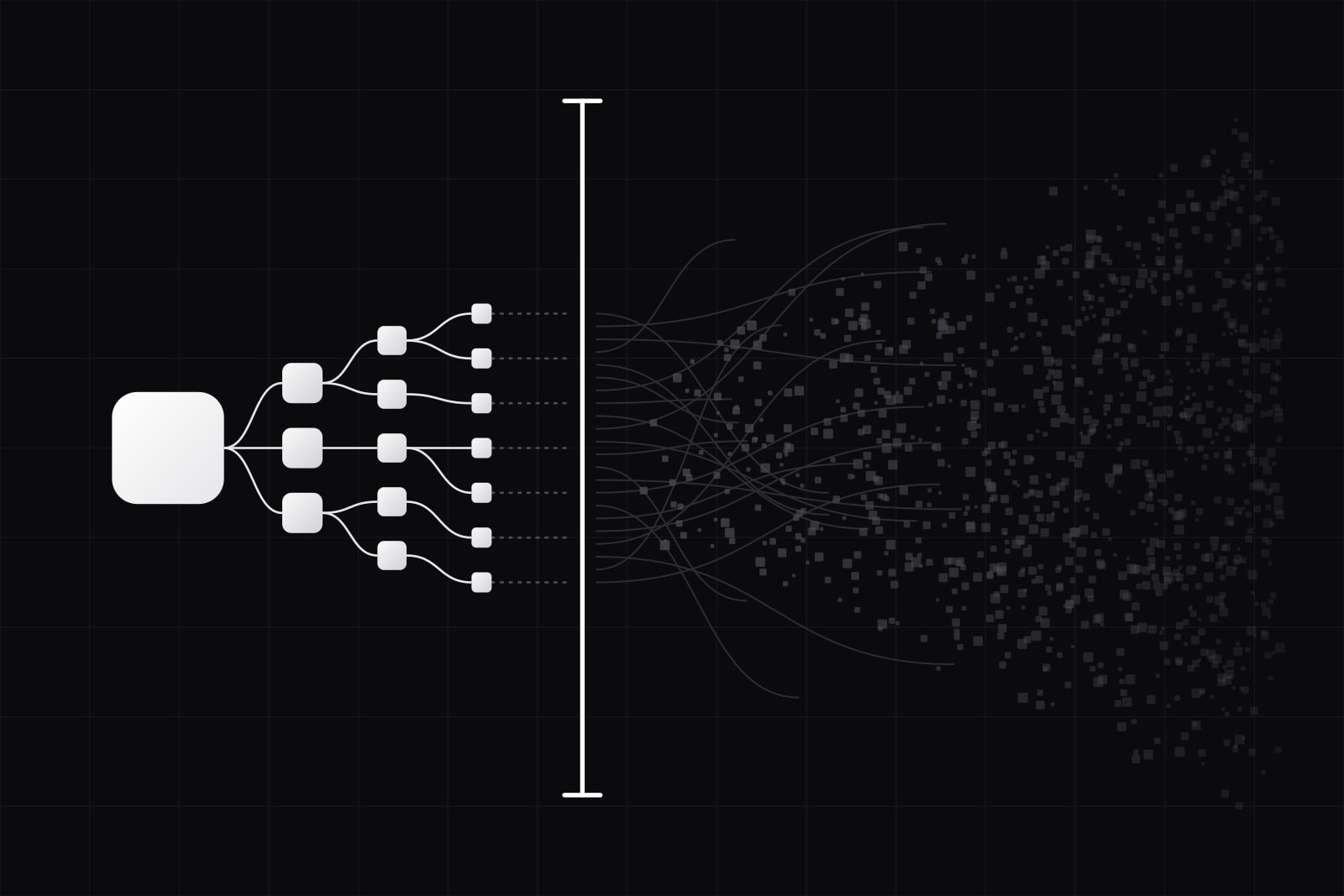
npm dependency sprawl is the uncontrolled growth of the packages a frontend project installs, both the ones you chose and the hundreds you never saw, that inflates install time, bundle size, and security exposure without shipping a single feature. It is the reason a fresh Next.js app carries over a thousand packages before you write a line of code, and the reason your node_modules folder is the heaviest object in the repository.
Every team hits it the same way. You add one library to solve one problem. That library adds twelve of its own. Six months later nobody can say what half the tree does, npm install takes ninety seconds, and a security advisory lands on a package three levels deep that you never chose to trust. This article breaks down what the sprawl actually costs and the moves we use to keep it under control.
What npm dependency sprawl costs you
The numbers are worse than most teams assume. The average npm project pulls in around 79 transitive dependencies, packages the developer never directly audited (Gecko Security). Scale that to a real app and it compounds fast: a React application with 50 direct dependencies typically resolves to 800 to 1,200 transitive ones, and a Next.js project starts above 1,000 before any application code exists.
That weight is physical. Christoph Nakazawa, former lead of the React Native and Jest teams, measured his own site's node_modules at more than 40,000 files and over 570 MiB (cpojer.net). Multiply that across every branch, every CI run, every developer laptop, and every container build. Install time, cold-cache CI minutes, and disk all scale with a tree most of which you will never call.
Then there is the part that keeps security teams awake. Dependency count is attack surface. In 2026, over 99% of all open-source malware targets npm, which makes it the most heavily attacked package ecosystem in the world (Sonatype). Malicious package publications rose 73% year over year (Adyog). Most of that risk rides in through transitive packages, the ones you did not choose and cannot name. npm's own v12 release started blocking install scripts by default, describing them as the single largest code-execution surface in the ecosystem (TechTimes).
Bundle size is the last cost, and the one your users feel. Dead weight in the tree becomes dead weight in the client bundle, which becomes slower loads and worse Core Web Vitals. We covered the render-time version of this in the frontend mistakes that tank Lighthouse scores.
Why "just run npm audit" does not fix it
The reflex fix is to run npm audit, patch what it flags, and move on. That treats symptoms. npm audit tells you which installed packages have known advisories. It says nothing about which packages you do not need, which duplicate each other, or which single-function micro-package could be four lines of your own code. A tree can pass audit clean and still be twice the size it should be.
Deleting packages by hand does not scale either. Nobody remembers why a dependency was added, so it stays out of fear. The result is a ratchet: the tree only grows. The fix is not a one-time cleanup. It is a set of habits that make adding a dependency a decision instead of a reflex.
What actually controls the sprawl
Measure the true cost before you install
Most dependencies are added blind. The habit that changes this is checking the full transitive cost before npm install, not after. BundlePhobia shows the real weight a package adds to your bundle, including everything it drags in, so you can compare two libraries on cost before you commit to one (BundlePhobia). A package that looks small in the README can carry a megabyte of transitive weight. You want to know that before it is in the lockfile, not during a performance review.
Find and cut dead dependencies automatically
You cannot cut what you cannot see. Two tools surface unused packages by static analysis. Knip has become the 2026 default, with support for over 50 frameworks including Next.js, Vite, and Astro, and it catches unused files, exports, and dependencies in one pass (Knip). Depcheck is narrower, flagging unused package.json entries only, but it is battle-tested at 400,000 weekly downloads. Run one of them in CI on every pull request. Catching a stray dependency at review time is cheap. Finding it two years later is archaeology.
Prefer the platform over the micro-package
A large slice of any tree is packages that duplicate what the platform now does natively. Date formatting, deep cloning, array chunking, UUID generation: all shipped by modern JavaScript and the browser. Every micro-dependency you replace with a standard-library call removes not just that package but its entire subtree. This is the same logic behind removing Tailwind from production and treating third-party component libraries as an expensive shortcut: the dependency you do not add is the one you never have to audit, patch, or bundle.
Lock the tree and close the install-script hole
Commit the lockfile, install with npm ci in CI so the tree is reproducible, and on npm v12 or later keep install-script blocking on by default. If a package needs a post-install script to work, that is a signal worth reviewing, not waving through. Pin versions and let a scheduled tool like Dependabot or Renovate propose upgrades in reviewable batches rather than letting the tree drift on its own.
Budget dependencies like a line item
Set a rule the whole team can apply: a new dependency needs a one-line justification in the pull request. What does it do, what does it cost in transitive weight, and why is writing it ourselves worse. It sounds bureaucratic. It takes ten seconds, and it is the single highest-leverage habit for keeping the tree flat, because it moves the decision to the one moment when someone actually understands the tradeoff.
What this looks like in practice
On a recent audit of a mid-size Next.js dashboard, the pattern was textbook. The app had 61 direct dependencies and just under 1,300 in the resolved tree. Knip flagged 14 direct packages with zero references, left over from features that had been cut. Three separate date libraries were installed because three different developers each reached for their favorite. Two utility packages reimplemented functions the language now ships. Removing the dead 14 and consolidating the duplicates took an afternoon, cut the install by a meaningful fraction, and shrank the client bundle. None of it required rewriting product code. It required looking. The lasting fix was cheaper still: Knip now runs in CI on every pull request, so the next dead package gets caught in review instead of accumulating for another two years.
Nakazawa's own result points the same direction: applying disciplined pruning to React Native's tree reduced third-party dependency size by an order of magnitude and improved install times by the same factor (cpojer.net). The sprawl is not inevitable. It is the default you get when nobody is watching the tree, and it reverses the moment someone does.
Sources
Frequently asked questions
There is no fixed number, but the useful signal is the ratio of transitive to direct dependencies and how many you can actually justify. A React app resolving 800 to 1,200 transitive packages from 50 direct ones is normal; the same 50 direct packages pulling 3,000 is a warning. Watch the trend more than the absolute: if the tree grows every quarter and nobody removes anything, the number is already too high. Run Knip or depcheck and see how many are unused. Anything above zero unused is worth cutting.
It depends on where the dependency lived. Removing a package that shipped to the client bundle cuts JavaScript the browser has to download, parse, and execute, which improves load time and Core Web Vitals directly. Removing a build-only or dev dependency does not change the bundle but speeds up installs and CI. Either way you shrink the security surface. The performance win is largest when the dead package was in the client path.
Yes. npm audit only reports known advisories on installed versions. A brand-new malicious package, or a freshly compromised one, will pass audit until the advisory is published, which can be days after the attack. Every transitive package is code that runs with your app's privileges, so a larger tree is a larger attack surface regardless of what audit currently says. This is why npm v12 blocks install scripts by default and why cutting unused packages matters as much as patching flagged ones.
pnpm helps with the symptom, not the cause. Its content-addressable store hard-links shared packages across projects, so disk usage and cold install times drop sharply, which is real relief on a machine with many repos. But pnpm does not remove packages you do not need; the tree is the same size logically, just stored more efficiently. Use pnpm for the disk and speed win, and still run Knip to cut the packages that should not be there at all.
Related services
Related articles
Web AI
AIAI integration cost for a SaaS in 2026: real ranges
AI integration cost splits into build, run, and maintenance. Real 2026 ranges for chatbots, RAG, and agents, plus the hidden third of the bill most budgets forget. Web
Web