

 Web
WebNext.js Agent DevTools: the AI debugging setup in 2026
Next.js 16.3 gives coding agents terminal access to build errors, routes and the React tree. The MCP and agent-browser setup, in five steps.
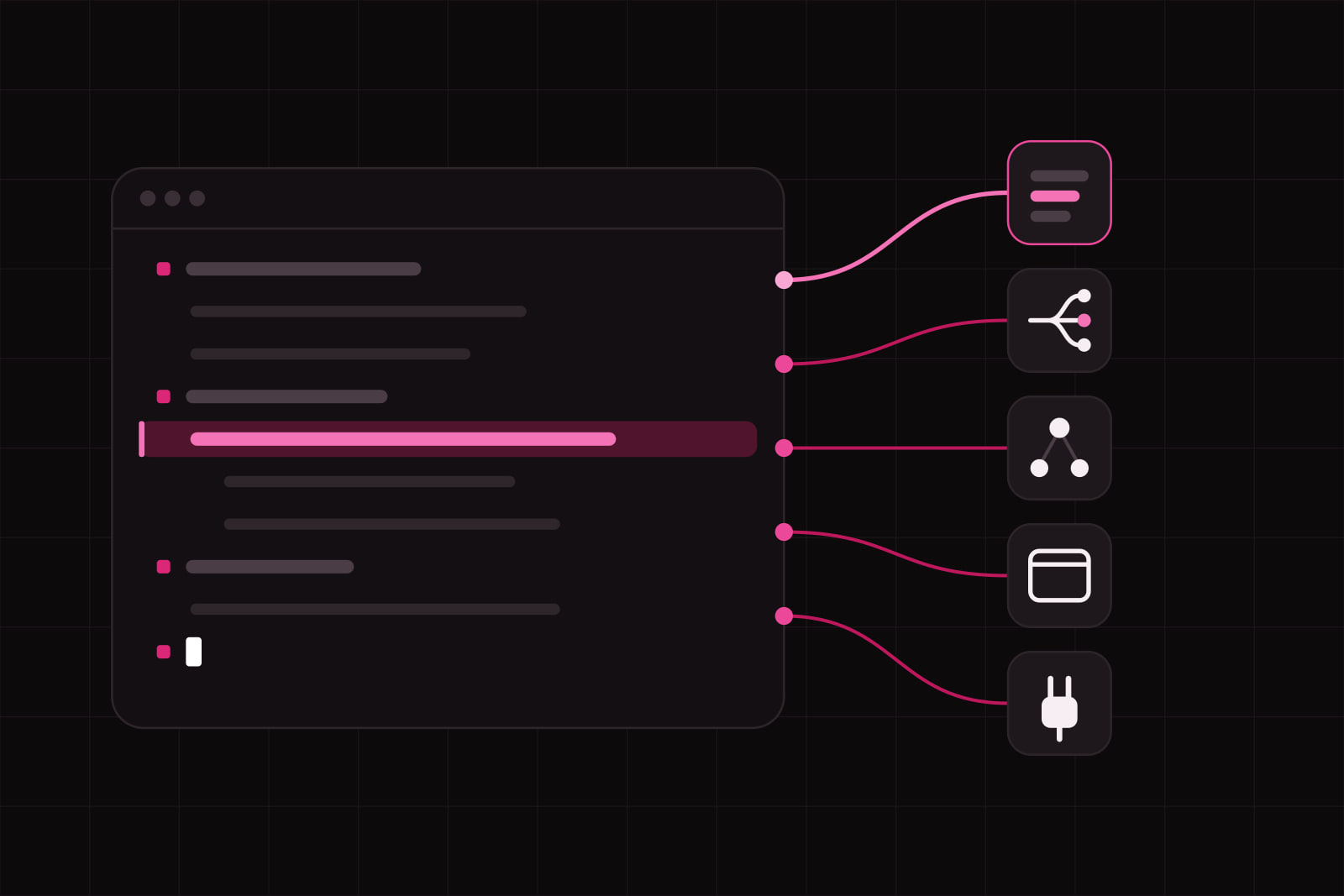
Set this up once and your coding agent reads Next.js build errors, route metadata and the React component tree on its own. No pasting stack traces into a chat window. The loop runs in the terminal, where the agent already lives, and it reads documentation matched to the Next.js version installed in the project.
Budget about twenty minutes. You need Next.js 16.3, one MCP-capable agent, and a dev server you are willing to leave running. Every piece below is first-party: Vercel ships all of it, and none of it costs anything.
Two releases got us here. Next.js 16.2 added Browser Log Forwarding, an AGENTS.md file in create-next-app, and an experimental Agent DevTools built on a CLI called next-browser. Next.js 16.3, published on 3 August 2026, folded next-browser into the general-purpose agent-browser CLI and pushed the bundled docs to agents through a managed AGENTS.md block. Skills were retired in the same release.
What you need before starting
- Next.js 16.3 or later. 16.2 covers log forwarding and
AGENTS.md, but React introspection has moved intoagent-browser. - An MCP-capable agent: Claude Code, Cursor, or any client that reads an MCP config file.
- A dev server you can keep running. The MCP tools read a live server, not your source tree.
- Write access to
next.config.tsand to the repository root.
Step 1: get on Next.js 16.3
npm install next@latest react@latest react-dom@latestTwo things in 16.3 matter here beyond the agent tooling. Coding agents read version-matched docs with no setup at all, and long dev sessions use up to 90% less memory than before. The memory number is not a vanity metric in this context. An agent-driven workflow keeps a single dev server alive for hours while it queries, edits and queries again, which is exactly the pattern that used to make a dev process balloon.
Step 2: give the agent version-matched docs
create-next-app now ships an AGENTS.md file by default. It is a short Markdown directive telling the agent to read the docs bundled at node_modules/next/dist/docs/ before writing code. On an existing project nothing adds it for you, so create the file at the repository root yourself.
Vercel measured the difference. Bundled documentation reached a 100% pass rate on their Next.js evals, while skill-based retrieval topped out at 79%. The reason is unglamorous: agents often fail to recognise the moment they should go looking for documentation, so context that is always present beats context that has to be requested.
The trade is context budget. Bundled docs occupy tokens the agent could spend reading your code, so treat that block the way you treat any other always-loaded instruction. The discipline is the same one we described for CLAUDE.md files and for context window budgeting.
Step 3: forward browser logs to the terminal
Since 16.2, Next.js forwards browser errors to the terminal during development, on by default. An agent cannot open a browser console. The terminal is the only surface it reads, which meant client-side errors were invisible to it until this landed.
// next.config.ts
export default {
  logging: {
    browserToTerminal: 'error',
  },
}
The levels are 'error' (the default), 'warn', true for all console output, and false to switch it off. Start at 'error' and stay there for a while. Setting true on an app that logs something on every render floods the terminal and burns the agent context on noise.
Step 4: connect the DevTools MCP server
Next.js 16 exposes an MCP endpoint at /_next/mcp. The next-devtools-mcp package discovers running dev servers and proxies that endpoint, so the agent gets live build errors, routes and logs instead of a summary you typed for it.
npx add-mcp next-devtools-mcp@latestFor Claude Code specifically:
claude mcp add next-devtools npx next-devtools-mcp@latestOr write the config by hand, which works in any client:
{
  "mcpServers": {
    "next-devtools": {
      "command": "npx",
      "args": ["-y", "next-devtools-mcp@latest"]
    }
  }
}
Four tools arrive with it. nextjs_index finds active Next.js 16+ dev servers and reports which runtime tools each one exposes. nextjs_call runs get_errors, get_logs or get_page_metadata against a discovered port. nextjs_docs locates the bundled docs matching your installed version. If you have already built an MCP server for your own SaaS, the shape of all this will look familiar.
Step 5: add agent-browser for React introspection
npm install -g agent-browser@^0.27The CLI manages a Chromium instance with React DevTools preloaded, so there is no browser configuration to do. Each command is a one-shot request against a persistent session. The agent queries the page as many times as it wants without holding browser state between calls.
The React commands are the half worth learning. react tree lists the component tree. react inspect <fiberId> returns props and hooks for one component. react renders start and react renders stop profile re-renders. react suspense --only-dynamic --json shows what is holding a render, which is the fastest route into a Partial Prerendering shell that will not resolve. Screenshots, network requests, console output and Web Vitals come with it. Since the 16.3 merge the same CLI works on apps that are not Next.js at all.
How to check it works
- Start the dev server and leave it running.
- Break something on purpose. A type error in a route handler is enough.
- Ask the agent what errors the dev server is reporting. It should call
nextjs_callwithget_errorsand answer with a file and a line, without asking you to paste anything. - Ask it to list the routes.
get_page_metadatareturns pages and component metadata from the running app. - Run
agent-browser react treeagainst a page. You should get a component tree with fiber ids you can feed straight back intoreact inspect.
Five out of five means the loop is closed. Anything less, the next section covers it.
Common failures and fixes
- No Next.js server found.
nextjs_indexneeds a running dev server on Next.js 16 or later. A production build does not expose/_next/mcp, and neither does a server that crashed three minutes ago. - The docs tool returns nothing. The bundled docs live in
node_modules/next/dist/docs/. Any install step that prunes package documentation, common in slim Docker layers and in some CI caches, removes them. - The agent quotes an API that no longer exists. Docs are matched to the installed version, so restart the agent session after
npm install next@latestand let it read the new set. - The terminal is unreadable. Drop
browserToTerminalfromtrueback to'error'. - A second dev server refuses to start. 16.2 added a dev server lock file that returns an actionable message instead of a port collision you have to decode. Kill the first server.
Going further
This setup pays off on the work agents are worst at: reasoning about runtime state they cannot see. It does nothing for architecture. An agent that reads get_errors perfectly will still put a database call in the wrong place, so the patterns you enforce in review carry the same weight they always did. We keep ours written down for Server Actions in production and for Core Web Vitals.
One more upgrade worth pairing with this one. next build can now type-check with TypeScript 7, and the Go compiler shortens the gap between an agent making an edit and reading the error that edit caused. The tighter that gap, the fewer turns each fix takes.
Sources
Frequently asked questions
Yes. next-devtools-mcp is a standard MCP server, so any client that reads an MCP configuration can use it, including Cursor and other editors with MCP support. The one-line installer npx add-mcp next-devtools-mcp@latest writes the config for every agent it detects on the machine. The Claude Code command in step 4 is a shortcut, not a requirement. agent-browser is a plain CLI and has no client dependency at all.
No, and you should not try. The MCP endpoint at /_next/mcp belongs to the dev server, and nextjs_index only discovers development processes. Browser Log Forwarding is a development feature too. Exposing runtime errors, route metadata and logs to any client that can reach the port would be a security problem in production, which is exactly why the surface stays on the dev server. For production debugging, use your normal observability stack.
No. Next.js 16.3 retired Skills once the bundled documentation started reaching agents through the managed AGENTS.md block. A custom docs MCP is now redundant work: the docs ship inside node_modules/next/dist/docs/ and are matched to the exact version you installed, which no external documentation source can guarantee. Keep your Skills for things Next.js does not ship, such as your own conventions and internal libraries.
Less than you might expect. The MCP endpoint exists on Next.js 16 and later, Browser Log Forwarding arrived in 16.2, and AGENTS.md shipped with create-next-app in the same release. What you lose is the React introspection path: next-browser was experimental and merged into agent-browser in 16.3, so a 16.2 project ends up on a tool that is no longer maintained under that name. You also miss the dev memory reduction, which matters when a dev server stays up for a full working day.
Related services
Related articles
Web Web
Webnpm dependency sprawl: the 4 costs on enterprise frontends
Sonatype logged 454,600 new malicious packages in 2025 and 99.8% of Q4 malware came from npm. What dependency sprawl costs, and the five controls we run. Web
Web