

 Infra
InfraStripe Checkout vs Customer Portal: what each one can't do
The Customer Portal updates and cancels subscriptions but cannot create one: that job stays with Checkout. What each owns, and how to wire the two.
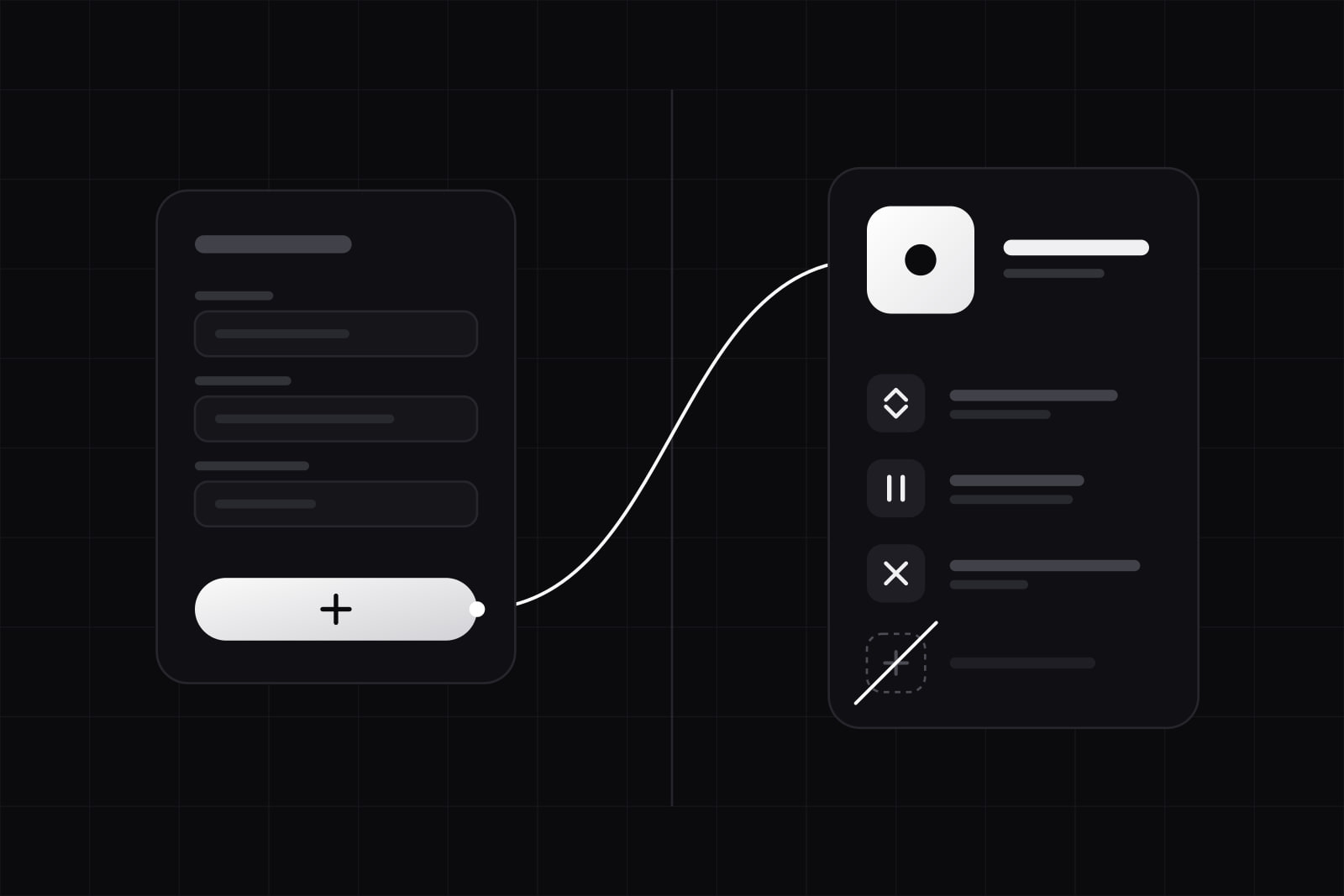
Stripe Checkout and the Stripe Billing customer portal are two Stripe-hosted pages that split one job in half. Checkout collects the first payment and starts a subscription. The customer portal lets an existing customer manage that subscription afterward. They are not competitors. They are the front door and the control room of the same billing system, and the decision that actually trips teams up is where you draw the line between them.
If you sell a SaaS subscription, you need both. Checkout is where a stranger becomes a paying customer. The portal is where that customer updates a card, downloads an invoice, switches plan, or cancels, without emailing your support inbox. Wire them well and your billing runs itself for the common cases. Wire them badly and you rebuild pieces Stripe already gives you for free.
TL;DR: which one you reach for
Reach for Checkout at the start of the relationship: pricing page to paid, one-time or recurring. Reach for the customer portal for everything after the first charge: card updates, plan changes, invoices, cancellations. Most SaaS products call Checkout once per signup and link to the portal from a single "Manage billing" button in account settings.
Stripe Checkout vs the customer portal at a glance
| Axis | Stripe Checkout | Customer portal |
|---|---|---|
| Job | Start a payment or subscription | Manage an existing subscription |
| Point in the lifecycle | Acquisition, before the first charge | Retention, after the first charge |
| Who it is for | Anyone with the link, logged in or not | An existing, authenticated customer |
| Authentication | None required to pay | You authenticate the customer, then mint a session |
| Handles | Card entry, tax, promo codes, trials, one-time and recurring | Update card, view invoices, switch plan, pause, cancel |
| Where it renders | Hosted page or embedded on your domain | Stripe-hosted page, branding and toggles only |
| Customization | Fields, branding, line items via the API | Dashboard configuration, not code |
| Cost | Standard 2.9% plus 30 cents, no markup | Included with Billing, no extra fee |
Where Stripe Checkout fits
Checkout is a prebuilt payment page you send a buyer to, or embed on your own domain, to take the first payment. It covers card entry, wallets, tax, promotion codes, and trials, and it can create a one-time charge or open a subscription. You create a short-lived Checkout Session server-side, redirect the customer to its URL, and Stripe handles the PCI-sensitive part.
Two flavors matter. The hosted version redirects to a page on stripe.com. The embedded version keeps the buyer on your domain. Both bill at the standard 2.9% plus 30 cents with no added fee, and Payment Links, the no-code sibling, run on the same schedule. If your pricing is fixed and you want zero code, Payment Links reach the same result. If you need dynamic line items, Checkout Sessions give you the control. We compared the billing layers themselves in Stripe Billing vs RevenueCat.
Where the customer portal fits
The customer portal is a Stripe-hosted page where an existing customer manages their own billing: update the payment method, view and download invoices, switch plan, pause, and cancel. Cancellation is on by default, and you can collect a cancellation reason or try to deflect it with a retention coupon.
The critical detail: the portal does not authenticate anyone for you. Stripe's own guidance is to authenticate the customer on your side first, then create a portal session for their customer ID with a return_url. That session is a short-lived URL. It expires if unused, which stops a customer from sharing a link that exposes billing controls. You gate a "Manage billing" button behind your own login, mint the session on click, and redirect.
You can also skip the menu. A flow is a deep link straight to one action, say the cancellation page or the payment-method update, with the navigation hidden so the customer lands on exactly the task you sent them to.
What the portal deliberately cannot do
This is where most "use both" articles stop, and it is the part that decides your architecture. The portal is configuration, not code. You get branding and a set of Dashboard toggles, and that is the ceiling.
- No custom UI. You cannot restructure the pages or inject your own components. If your cancel flow needs a bespoke survey or a save offer the portal cannot express, you build it on the API.
- Plan switching caps at 10 products. When you let customers change plans in the portal, you can expose at most 10 products. A large catalog outgrows it.
- It does not acquire customers. There is no signup in the portal. New customers always come through Checkout first.
- It assumes standard subscription shapes. Complex proration previews, quotes, add-ons, or metered-usage edits beyond the basics usually need custom screens backed by the Subscriptions API.
The rule we use: let the portal own the standard 80% of billing self-service, and build custom UI only for the cases it cannot express. Rebuilding card updates or invoice history by hand is wasted work.
How we wire the two together
The pattern is the same on every SaaS we ship. At signup, create a Checkout Session, and make sure it creates or reuses a Stripe customer so the subscription attaches to a stable ID. Store that customer ID on your user record. From then on, one "Manage billing" button in account settings mints a portal session for that ID and redirects.
Treat Stripe webhooks as the source of truth, not the redirect. When a customer switches plan or cancels in the portal, you learn about it from customer.subscription.updated and customer.subscription.deleted, not from the browser landing back on your return_url. The return URL is a UX detail. The webhook is the state change, and it fires even if the customer closes the tab. For the full cost and timeline of getting this in place, see Stripe integration cost and timeline.
What this looks like in practice
A customer on your $29 plan wants the $99 plan mid-cycle. They open the portal from account settings, pick the higher plan, and confirm. Stripe prorates the difference, charges it, and fires customer.subscription.updated. Your webhook handler reads the new price ID, updates the plan in your database, and unlocks the $99 features. You wrote none of that billing screen. You wrote one webhook branch.
Cancellation runs the same way. The customer cancels in the portal, Stripe can show a retention coupon first, and on confirm you receive customer.subscription.deleted, or an update with cancel_at_period_end set. You downgrade access on that event, not when the browser returns. If the customer never lands back on your return_url, your state is still correct.
Done this way, Checkout and the portal cover the whole subscription lifecycle with two hosted pages and a webhook handler. You write almost no billing UI, and the parts you do write are the ones Stripe intentionally left open.
Sources
- How Checkout works, Stripe Documentation
- Provide a customer portal to your customers, Stripe Documentation
- Integrate the customer portal with the API, Stripe Documentation
- Configure the customer portal, Stripe Documentation
- Deep links in the customer portal, Stripe Documentation
- Choosing between Payment Links, Invoicing, Checkout, and Payment Element, Stripe Support
Frequently asked questions
No. Stripe does not log your customers in. You authenticate them inside your own app, then create a short-lived portal session tied to their Stripe customer ID. Visiting that session URL is what grants access, and the URL expires if unused. Your login is the gate; the portal session is the key you mint after the gate.
No. The customer portal is included with Stripe Billing at no extra fee, and Checkout has no markup either. You pay standard Stripe processing, 2.9% plus 30 cents on card charges in most regions. There is no monthly platform fee for using either hosted page, so the cost question is about processing rates, not about which surface you use.
Only partially. You control branding, colors, logo, and a set of feature toggles from the Dashboard, but you cannot change the layout, add fields, or inject custom components. If you need a bespoke cancellation survey, a save offer, or a plan picker beyond 10 products, build that screen yourself on the Subscriptions API and keep the portal for the standard cases.
Yes. Payment Links are the no-code sibling of Checkout and run on the same pricing. If a Payment Link creates or attaches a Stripe customer when the subscription starts, you can mint a portal session for that customer later exactly as you would after a Checkout Session. Reach for Checkout Sessions when you need dynamic line items or tighter control over the flow.
Related articles
Infra Infra
InfraWhy my site no longer appears on Google after the redesign
Old URLs with no redirect, a staging noindex left live, wrong canonicals: five causes of a post-redesign drop, a 30-minute test, and what to ask the agency. Infra
Infra