

 Web
WebWebGL vs CSS animation: when to use each (2026)
CSS animates transform and opacity off the main thread for free. WebGL hands you the raw GPU. Here is the line between them, with the bundle and battery costs.
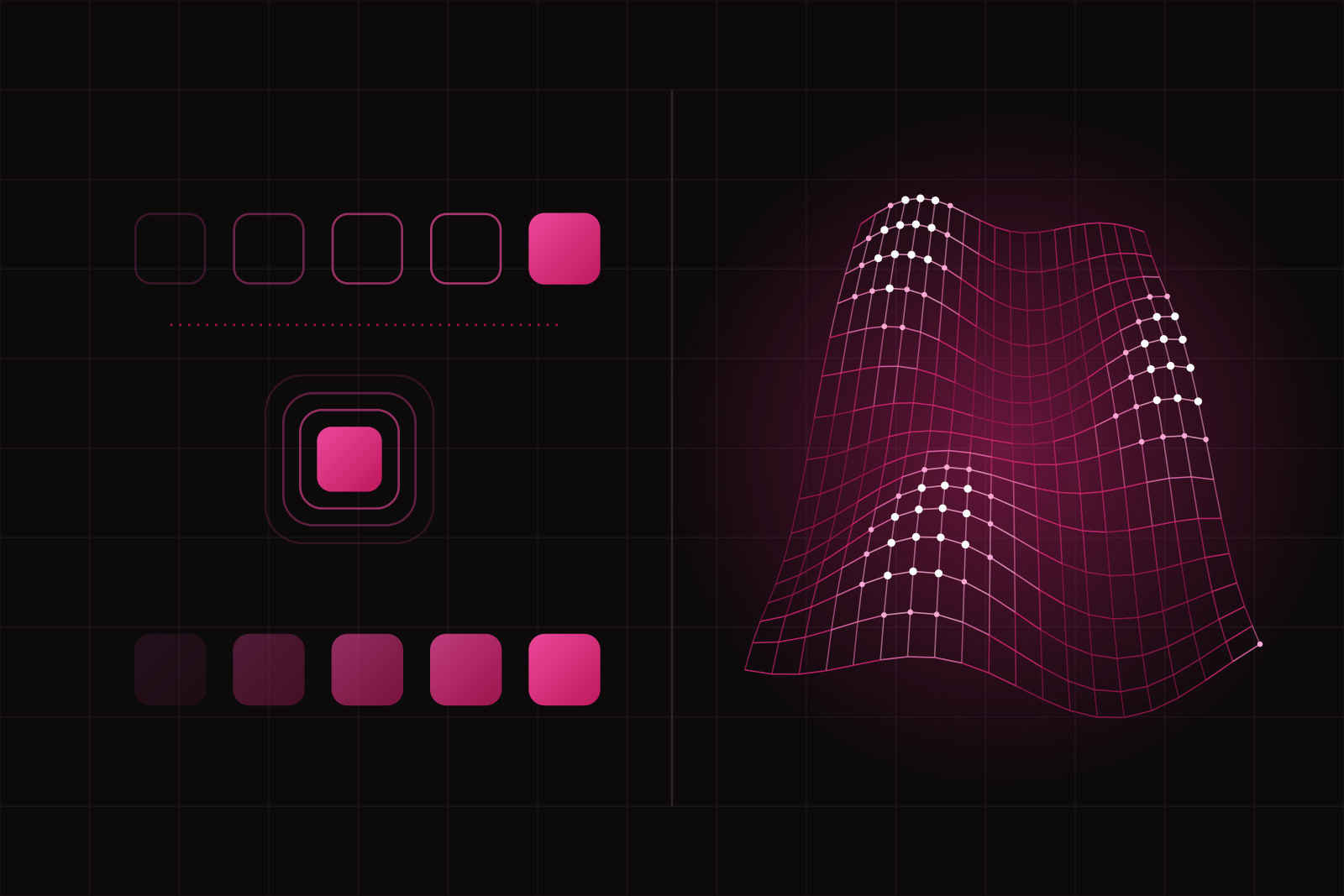
The choice between WebGL and a CSS animation comes down to one question: does the effect need the GPU as a general-purpose renderer, or only as a compositor? A CSS animation hands two or three properties to the browser and gets 60fps almost for free. WebGL hands you the raw GPU and a blank canvas, then asks you to build the geometry, the lighting, and the render loop yourself. Most product interfaces never need the second one.
This decision shows up on every marketing site and every dashboard with motion in it. Lean too far toward WebGL and you ship a 600KB bundle and a battery drain for a fade that CSS does in four lines. Lean too far toward CSS and you spend three weeks fighting the compositor to fake a particle field that WebGL renders without effort. Here is how we draw the line.
The 30-second answer: who picks which
Reach for a CSS animation when the effect moves existing DOM elements: fades, slides, scale on hover, a loading spinner, a menu that expands, a card that lifts. If you can express the motion as a change to transform and opacity, CSS is the right tool and anything heavier is overkill.
Reach for WebGL when the effect is the content, not a decoration on top of it: a 3D product configurator, a particle system with thousands of points, a fluid or shader effect, a visualization animating 10,000 nodes, a scene the user can orbit around. The DOM cannot represent these at all, so the question of whether CSS could do it never comes up.
The interesting cases sit between those two. That is where the comparison earns its keep.
WebGL vs CSS animation at a glance
| Axis | CSS animation | WebGL |
|---|---|---|
| What it is | Declarative motion on DOM elements | Low-level GPU API drawing to a canvas |
| Best for | UI transitions, micro-interactions | 3D, shaders, thousands of moving objects |
| Performance model | Compositor animates transform and opacity off the main thread | You own the render loop; nothing is free |
| Extra bundle weight | Zero (native CSS) | A few KB raw, 150KB or more with Three.js |
| Main thread | Untouched for transform and opacity | Setup and draw calls run in JavaScript |
| Accessibility | Respects prefers-reduced-motion natively | You wire the reduced-motion path yourself |
| Mobile battery | Cheap | Expensive; GPUs throttle under sustained load |
| If unsupported | Element just sits still | Needs an explicit non-WebGL fallback |
Where CSS animation wins
It is free on the GPU when you stay on transform and opacity
The browser hardware-accelerates any transition or keyframe animation on transform and opacity, because those two properties neither trigger layout nor repaint. They run on the compositor thread, so the animation stays smooth even while your JavaScript is busy. Chrome's rendering team documents this directly: a composited animation skips the main thread entirely. MDN gives the same guidance for anything mostly static and infrequently animated.
It degrades safely
A CSS animation the device cannot keep up with simply does not move. No crash, no blank canvas, no fallback code to write. Wrap it in @media (prefers-reduced-motion: reduce) and it respects a user's accessibility setting in three lines, without any JavaScript. That is a real accessibility and maintenance saving, not a rounding error.
The failure mode is easy to spot
CSS animation goes wrong when you animate the expensive properties: width, height, top, left, margin. Each of those forces the browser to recalculate layout on every frame, and the frame rate falls apart. The fix is almost always to rewrite the effect with transform. And do not paper over jank by putting will-change on everything: each promoted element becomes its own texture in GPU memory, and overuse creates memory pressure that evicts textures and produces jank during unrelated interactions. CSS-Tricks treats will-change as a last resort, scoped to the moment right before an animation and cleared after. So do we.
Where WebGL wins
Volume the DOM cannot handle
Animate 5,000 DOM nodes and the browser falls over. A 2025 cross-device benchmark of web animation systems found WebGL holding the most stable frame rates at 5,000 to 10,000 objects, where DOM and SVG collapse well before that. A modern GPU draws tens of thousands of polygons at 60fps. If your effect is a swarm, a field, or a mesh, WebGL is not the heavy option, it is the only option that runs.
Effects that only exist in shaders
Fluid simulation, displacement, per-pixel lighting, depth of field, procedural noise: these live in fragment shaders and have no CSS equivalent. You cannot approximate them with transform and opacity, no matter how many keyframes you stack. When the design calls for one of these, the decision is already made.
The cost you accept
WebGL is not free. Three.js adds roughly 150KB before you draw a single triangle; using the raw WebGLRenderer instead of the full library trims that noticeably. On mobile the real tax is heat: GPUs thermally throttle under sustained load, so a scene that runs at 60fps for the first few seconds can drop to 20fps after 30. Many mobile 3D experiences cap at 30fps on purpose to save battery, per the Three.js roadmap notes on mobile power. Budget for a reduced-motion path and a static poster image for devices that should not run the scene at all.
The middle ground people forget: Canvas 2D and SVG
WebGL and CSS are the two ends of the range. Two tools sit between them, and skipping past them is the most common mistake we see. Canvas 2D handles hundreds of particles or a generative pattern without touching 3D or shaders. SVG animates a few dozen vector shapes with crisp scaling and full DOM access, so you can style and inspect each node. When the effect is more than CSS can carry but less than a 3D scene, one of these is usually the answer, and it ships lighter than pulling in a WebGL renderer. We covered where each library fits in our immersive web stack breakdown.
What we use, and why
On a typical SaaS build, around 95% of the motion is CSS: transform and opacity, driven by state, respecting prefers-reduced-motion. For scroll-linked motion we reach for a lightweight library rather than a canvas. We add WebGL only when the 3D scene or the shader is the thing the user came for, and we ship it behind a reduced-motion check and a static fallback every time. The rule we hold: the heaviest asset a page loads should answer something the visitor wanted, not a background flourish. If a fade will do, a fade wins. If the product is the 3D scene, we pay the WebGL tax on purpose and keep it off the main thread and off the critical path. For the metrics side of that trade, see our guide to shipping Core Web Vitals in green on Next.js.
Sources
- Chrome for Developers: Updates in hardware-accelerated animation capabilities
- MDN: Animation performance and frame rate
- CSS-Tricks: When is it right to reach for contain and will-change
- A Cross-Device and Cross-OS Benchmark of Modern Web Animation Systems (2025)
- Three.js Roadmap: WebGL vs WebGPU explained
Frequently asked questions
For a few dozen particles moved with transform and opacity, yes, and it will be lighter and safer. Past a few hundred moving points the DOM starts to choke, and you should move to Canvas 2D or WebGL. The break point is not exact, but if you find yourself creating hundreds of DOM nodes just to animate them, that is the signal you have outgrown CSS.
The canvas content is invisible to crawlers, so a WebGL scene contributes nothing to indexable text and should never carry information a search engine needs. Its bundle and setup work can hurt LCP and INP if they run on load or block the main thread. Lazy-load the scene, defer it below the fold, and show a static poster image first, so the interactive experience does not delay the first paint.
WebGPU is shipping in current browsers and is more power-efficient, with reports of up to 10x gains in compute-heavy scenes and longer battery life on laptops and phones. WebGL is still the safe baseline for the widest device support. The practical stance for 2026 is to use WebGPU where you control the audience, with a WebGL fallback, rather than dropping WebGL outright.
Related services
Related articles
Web Web
WebReact Server Components in production: 6 pitfalls to avoid in 2026
45% of React developers have shipped Server Components, yet they rank third-most-disliked in the State of React 2025. Six failure modes explain the gap. Web
Web